

Robotic vacuum cleaners promise a hands-off, effortlessly clean home by permanently offloading the manual chores of floor cleaning. But do they really deliver, or will they leave you picking up a handheld vacuum and mop again? I bought one for my own home to find out. This Roborock Qrevo C Pro review is based on several weeks of daily use, covering key features from navigation to smart home integration. There’s a lot to unpack, so let’s get to it.
TL;DR
Pros
Cons
Device Specifications
Connectivity
Wi-Fi (2.4 GHz)
Works With
Apple Home
Google Home
Amazon Alexa
Samsung SmartThings
Home Assistant
Suction Power
18,500 Pascals (Pa)
Mop System
Dual Spinning Mops (200RPM max rotating speed)
Edge Cleaning
FlexiArm™ Edge Mopping
Main Brush
DuoDivide™ Dual Brush System
Side Brush
Anti-Tangle Side Brush
Auto Mop Lifting
10 mm when carpet is detected
Navigation
PreciSense® LiDAR
Obstacle Avoidance
Reactive Tech Obstacle Avoidance (structured light detection)
Retractable bumper (collision detection)
Battery
5,200mAh Lithium Ion
Docking Station
Multifunctional and Self-Cleaning Dock (EWFD48HRR)
75°C Hot Water Mop Washing
45°C Warm Air Drying
Dimensions
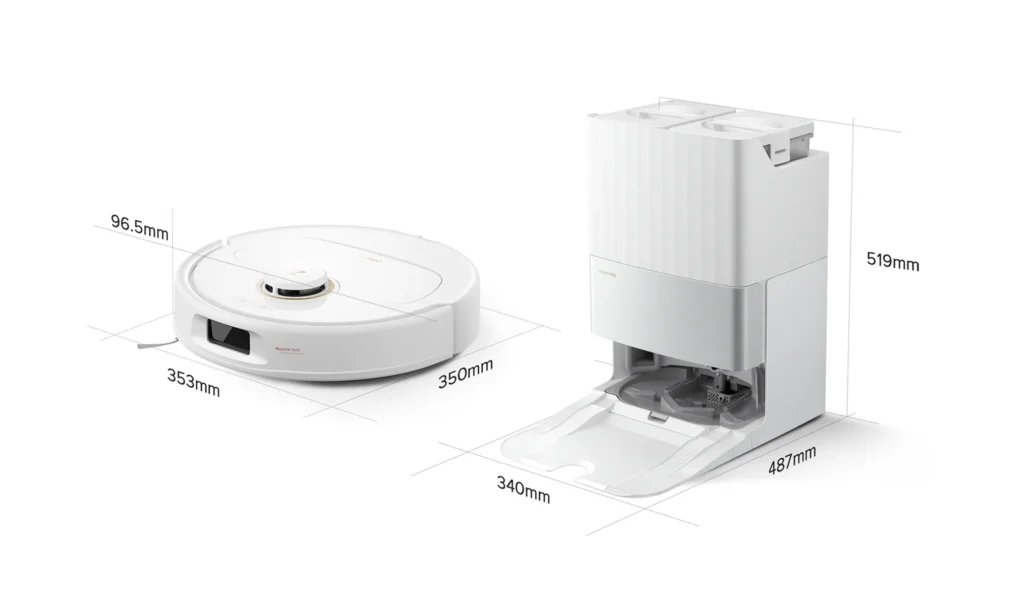
350 x 353 x 96.5 mm (Robot)
340 x 487 x 519 mm (Docking Station)
Weight
~3.5 kg (Robot)
~8.5 kg (Docking Station)
What’s In The Box?
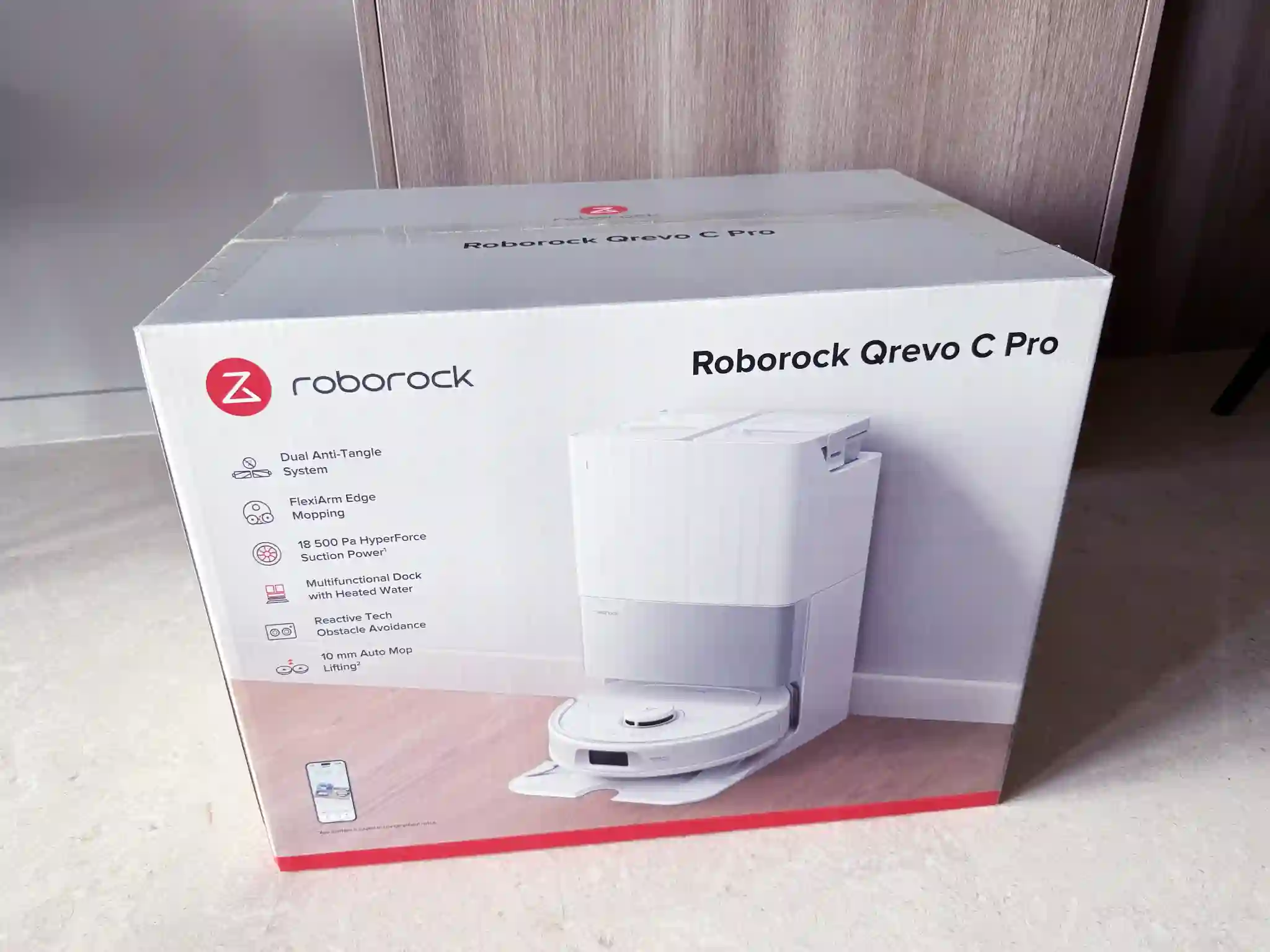
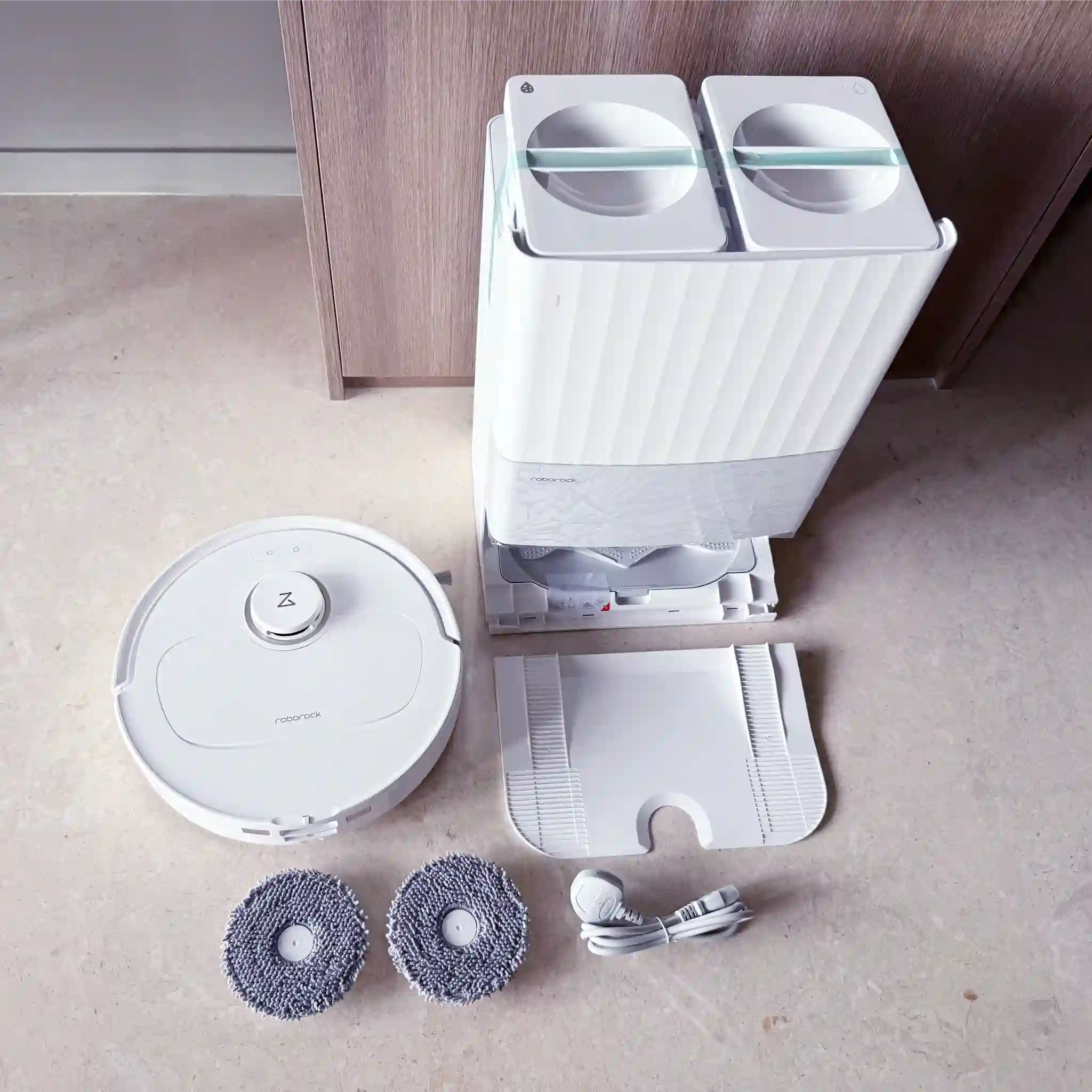
The Qrevo C Pro ships in a large, sturdy box weighing 17 kg (and measuring 56 x 39 x 43 cm), reflecting the combined size of the robot and docking station. The contents are efficiently packaged for a quick setup:
- Qrevo C Pro robot vacuum (Model: RRW0PEP)
- Rotating mop pads x 2
- Docking station (Model: EWFD48HRR)
- Dock base with a dust bag pre-installed
- Power cord
- Product documentation
Design & Build Quality
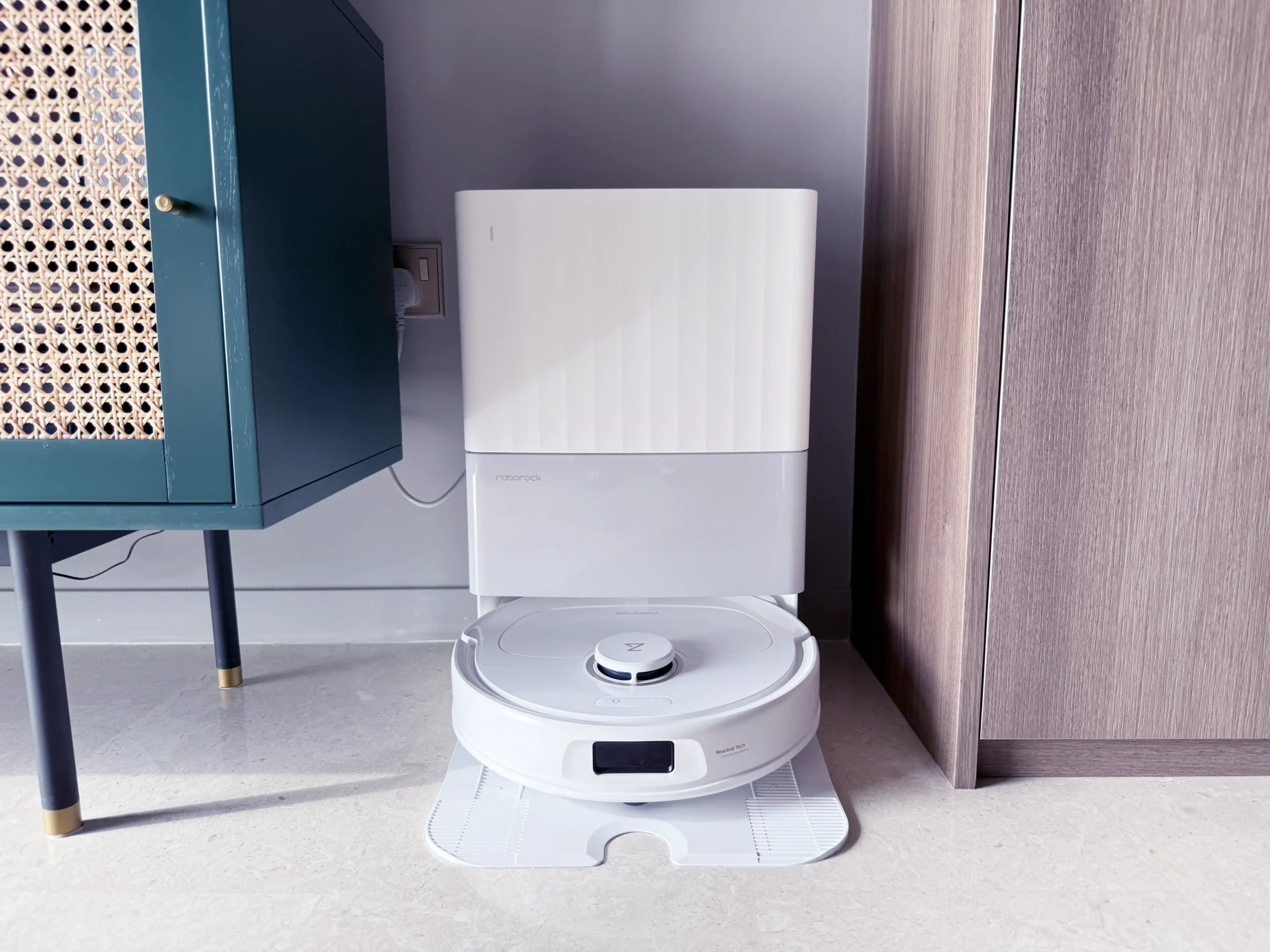
The Roborock Qrevo C Pro is a robotic vacuum and mop that comes with a multifunctional self-cleaning docking station. Its clean lines and minimalist design add a touch of tech pizazz to a living space.
Robot
As with most robotic vacuum cleaners, the Qrevo C Pro adopts the classic circular shape, measuring 350 x 353 x 96.5 mm at its widest and highest points. The robot feels solid and well-made, weighing in at a hefty 3.5 kilograms.
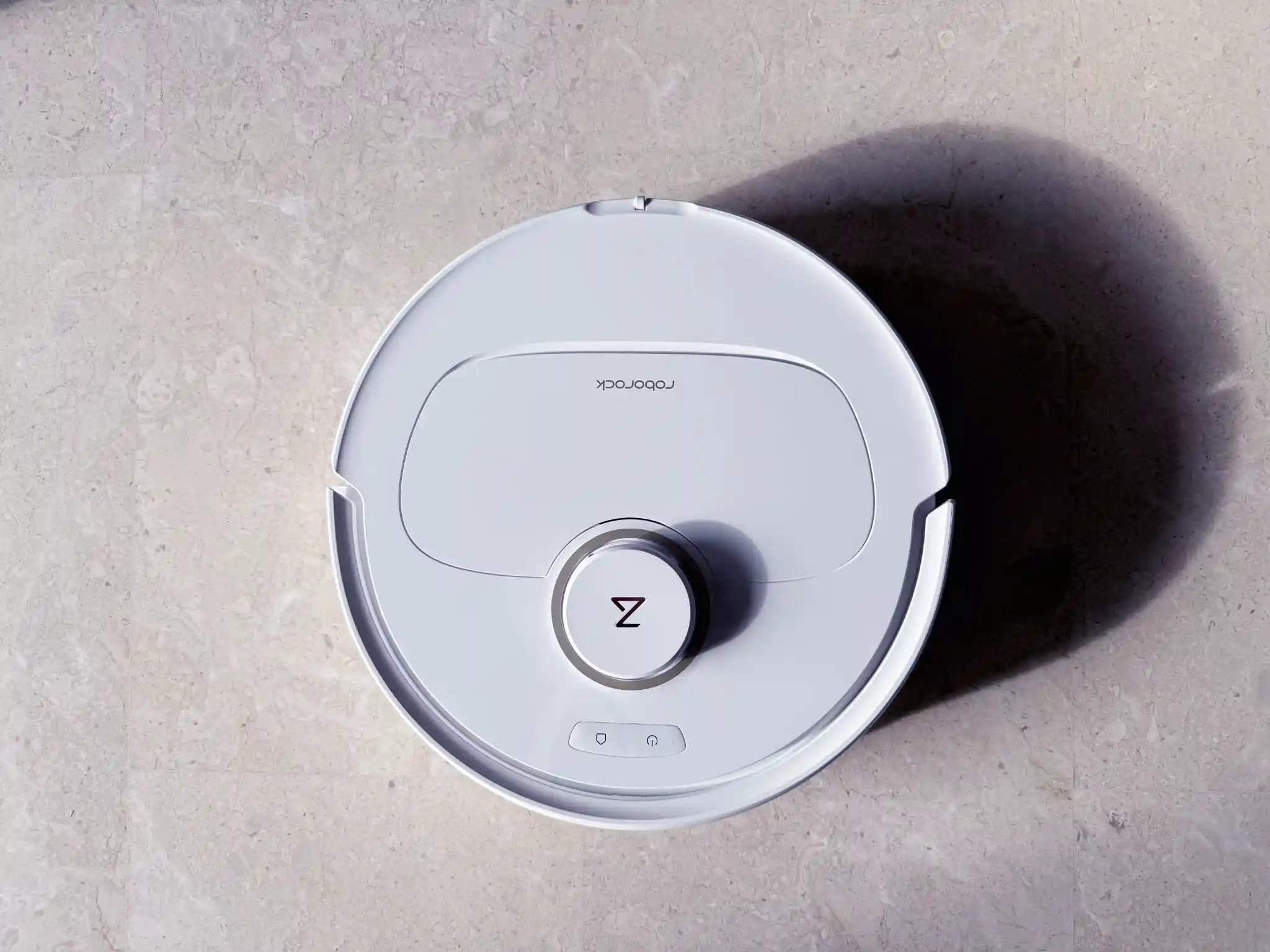
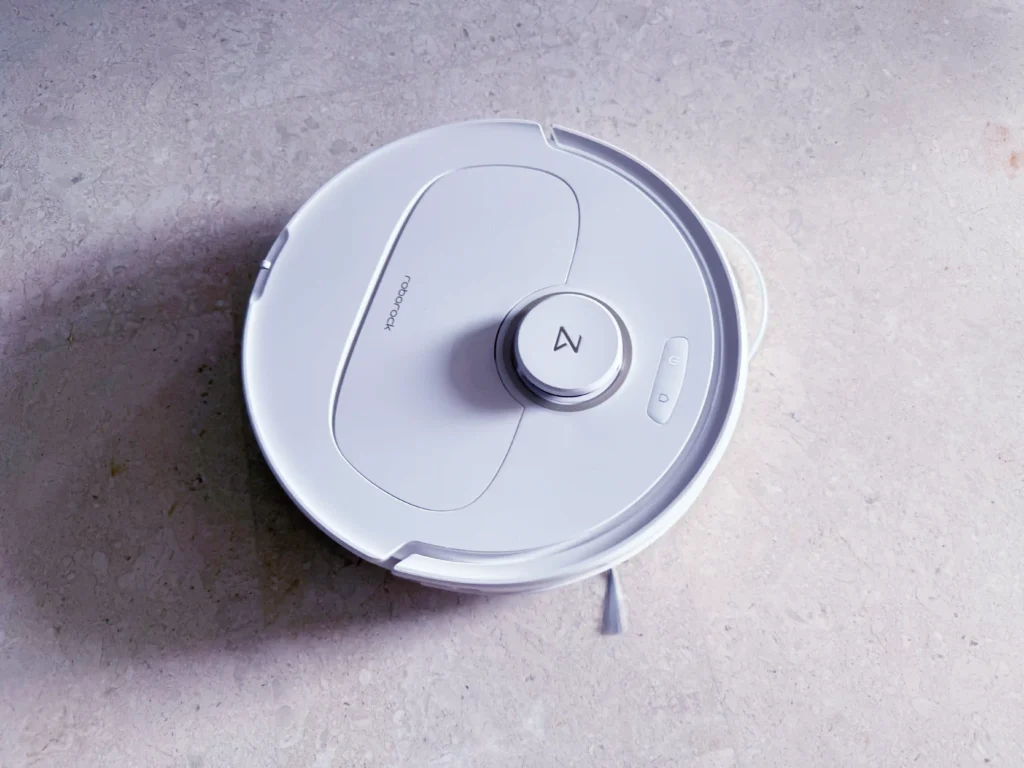
The most distinct feature is the top-mounted LDS-based LiDAR sensor (Roborock calls this PreciSense® LiDAR), used for the robot’s mapping and navigation. Next to the LiDAR sensor are the Power and Return to Dock buttons, perfect if you ever need quick manual control (or just feel like pushing buttons).

LDS-based LiDAR, or Laser Distance Sensor LiDAR, is a technology used in robot vacuums and other autonomous devices to navigate and map their environment. It works by emitting laser beams and measuring the time it takes for the light to return to the sensor, allowing the device to create a detailed map of its surroundings.

On the other side of the LiDAR sensor is a top cover that hides the robovac’s removable dustbin, QR code for setting up the robot, a Wi-Fi indicator light, and a reset button.
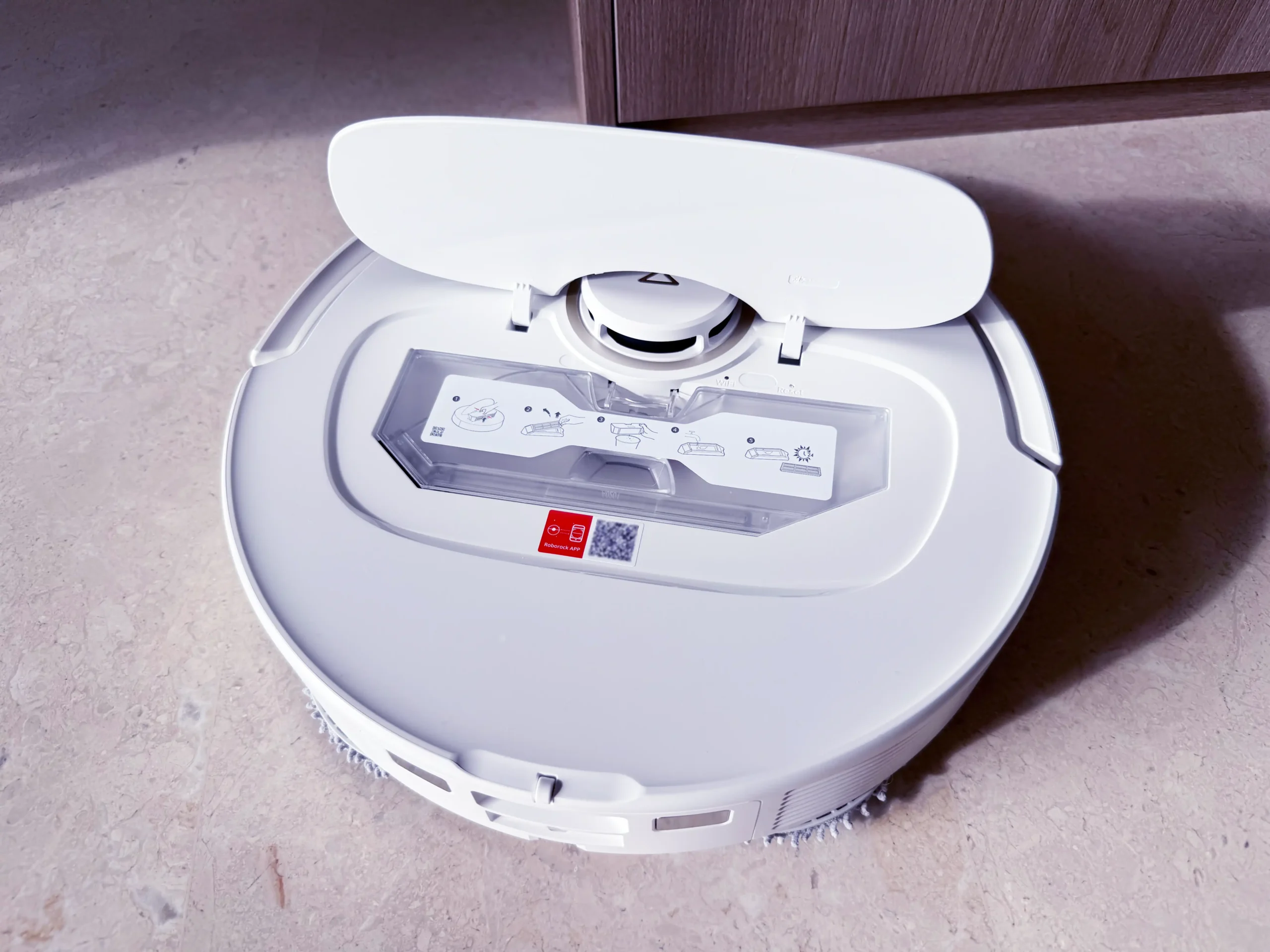
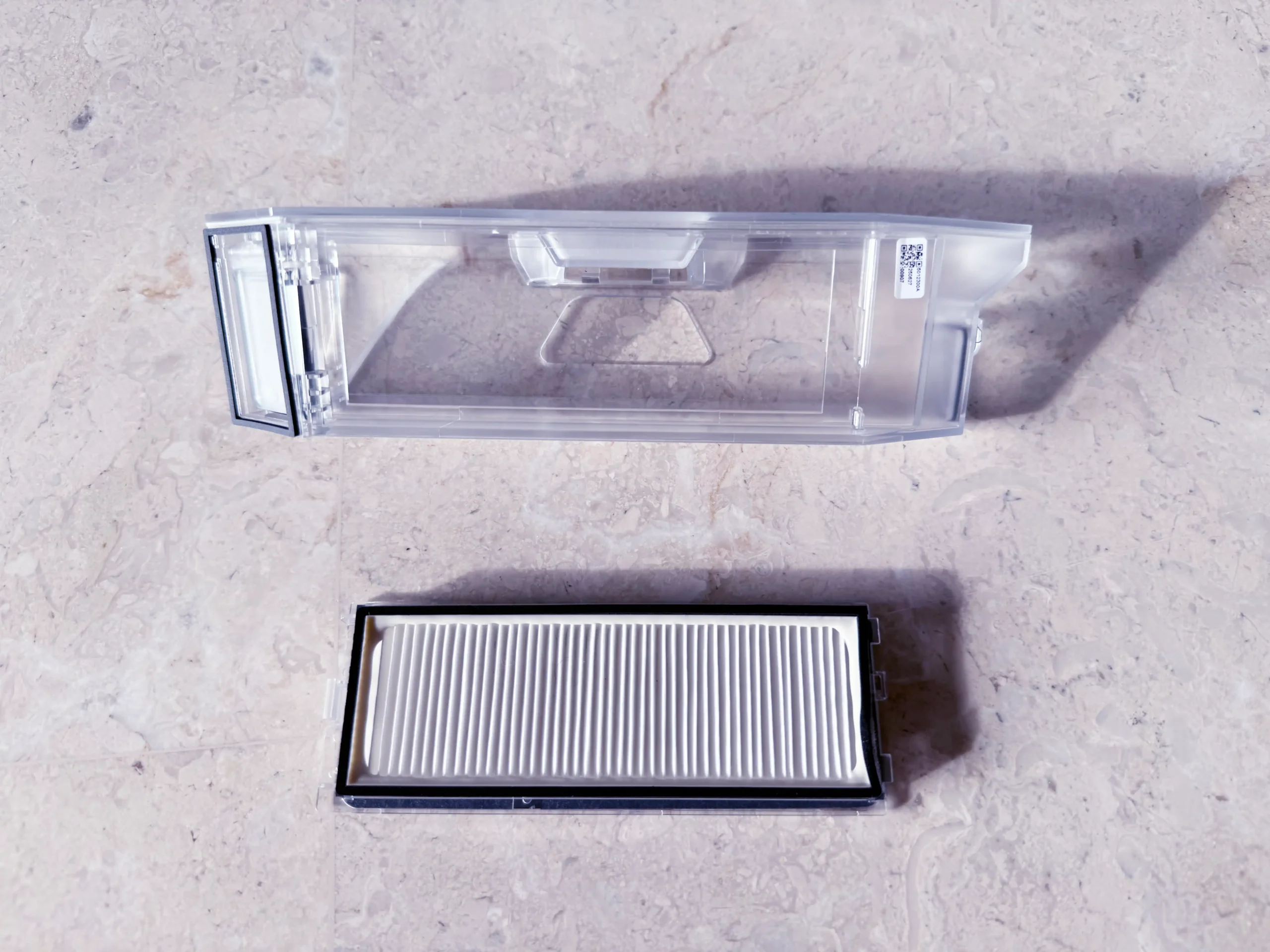
The dustbin features a removable filter and trapdoor, allowing its contents to be sucked out into the docking station’s dust bag when the robot returns after a vacuum run.
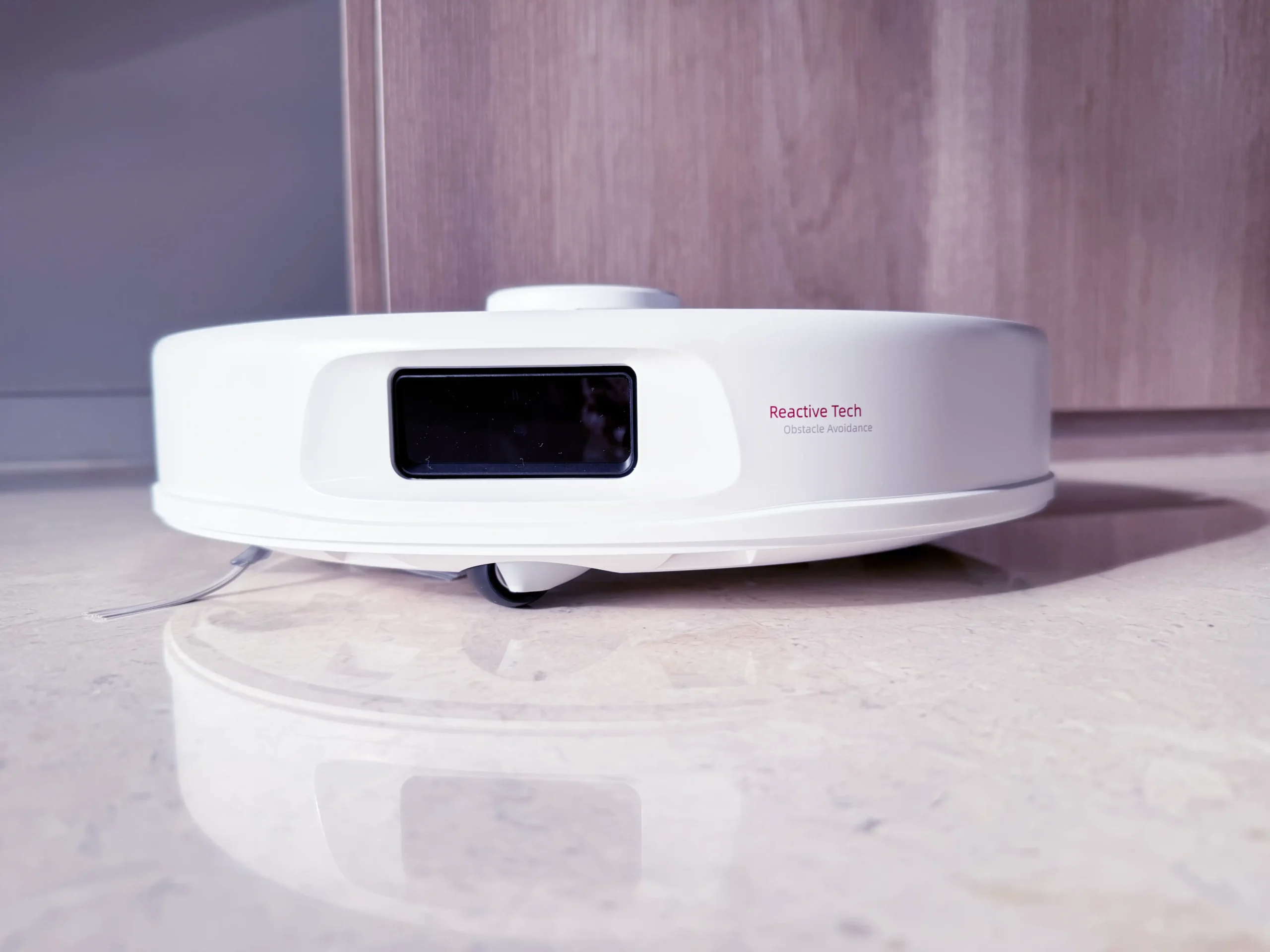
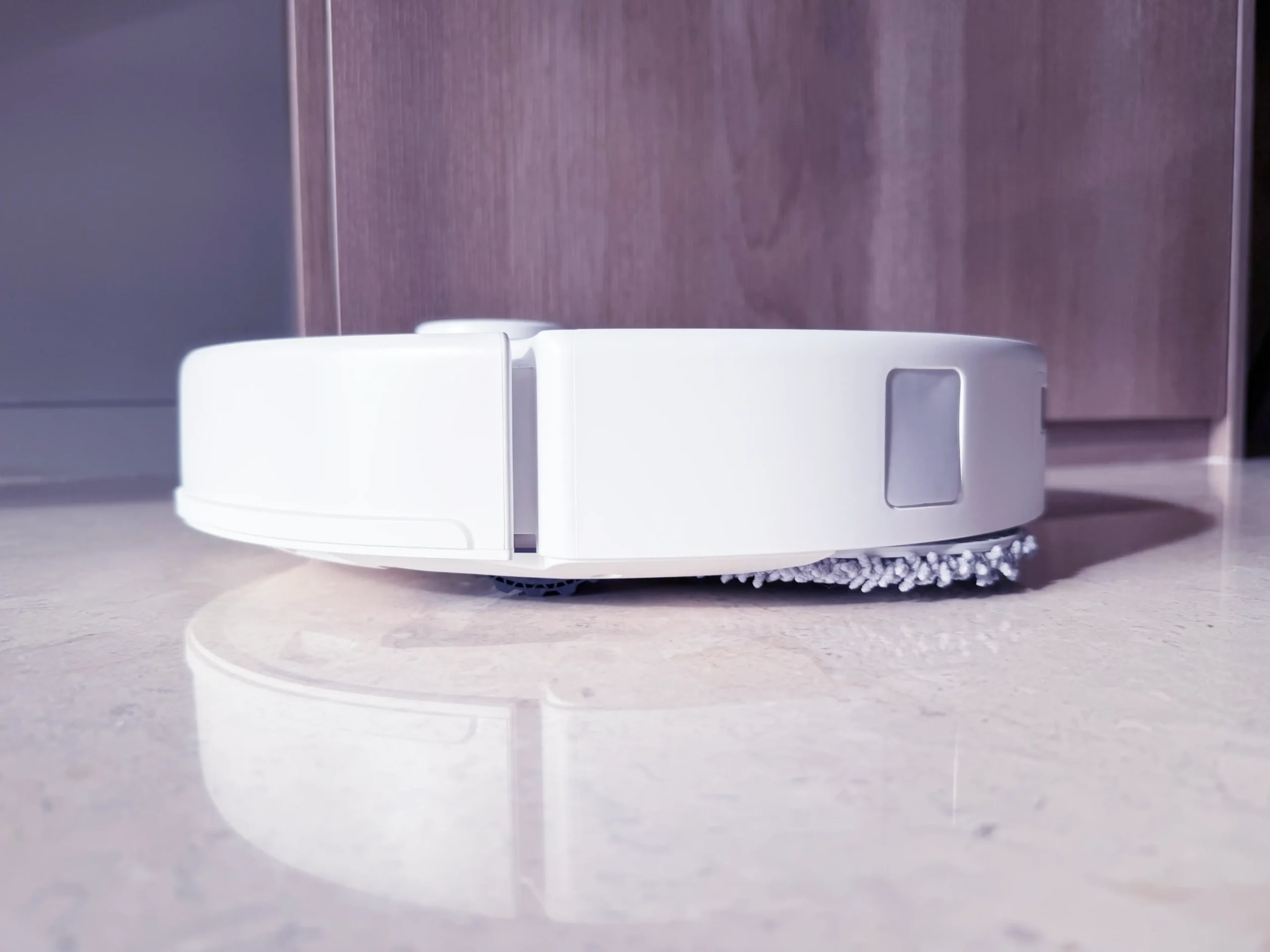
The robot uses a spring-loaded bumper and Roborock’s Reactive Tech structured light sensor for obstacle detection and avoidance.
On the opposite end of the Reactive Tech sensor, the robot’s rear features a pair of metal contact points for charging the robot at the docking station, and a water inlet used to fill the robot’s internal water tank for mopping.
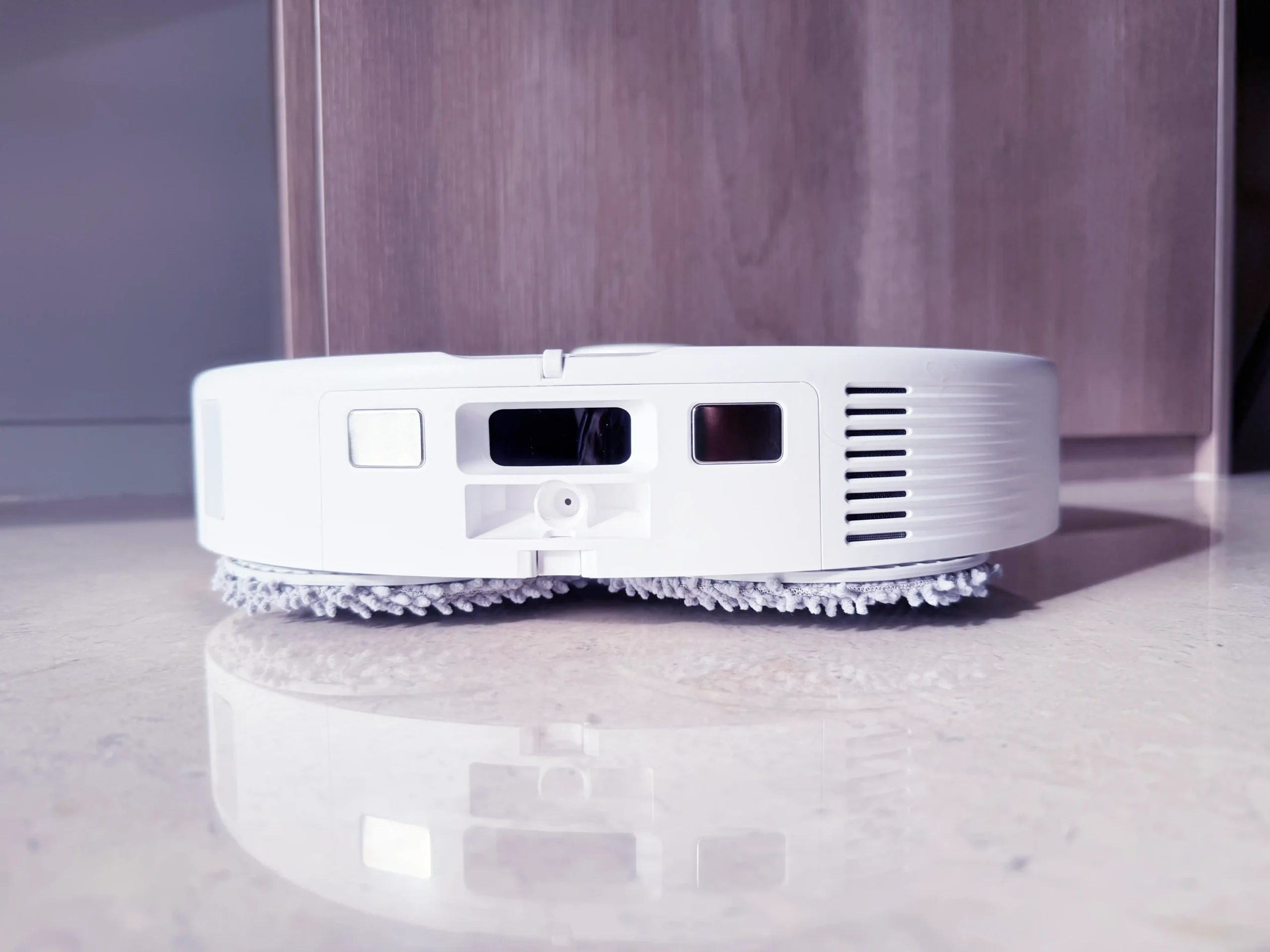
The Qrevo C Pro has a wall sensor located on the right side of the robot, used to maintain optimal distance from walls.
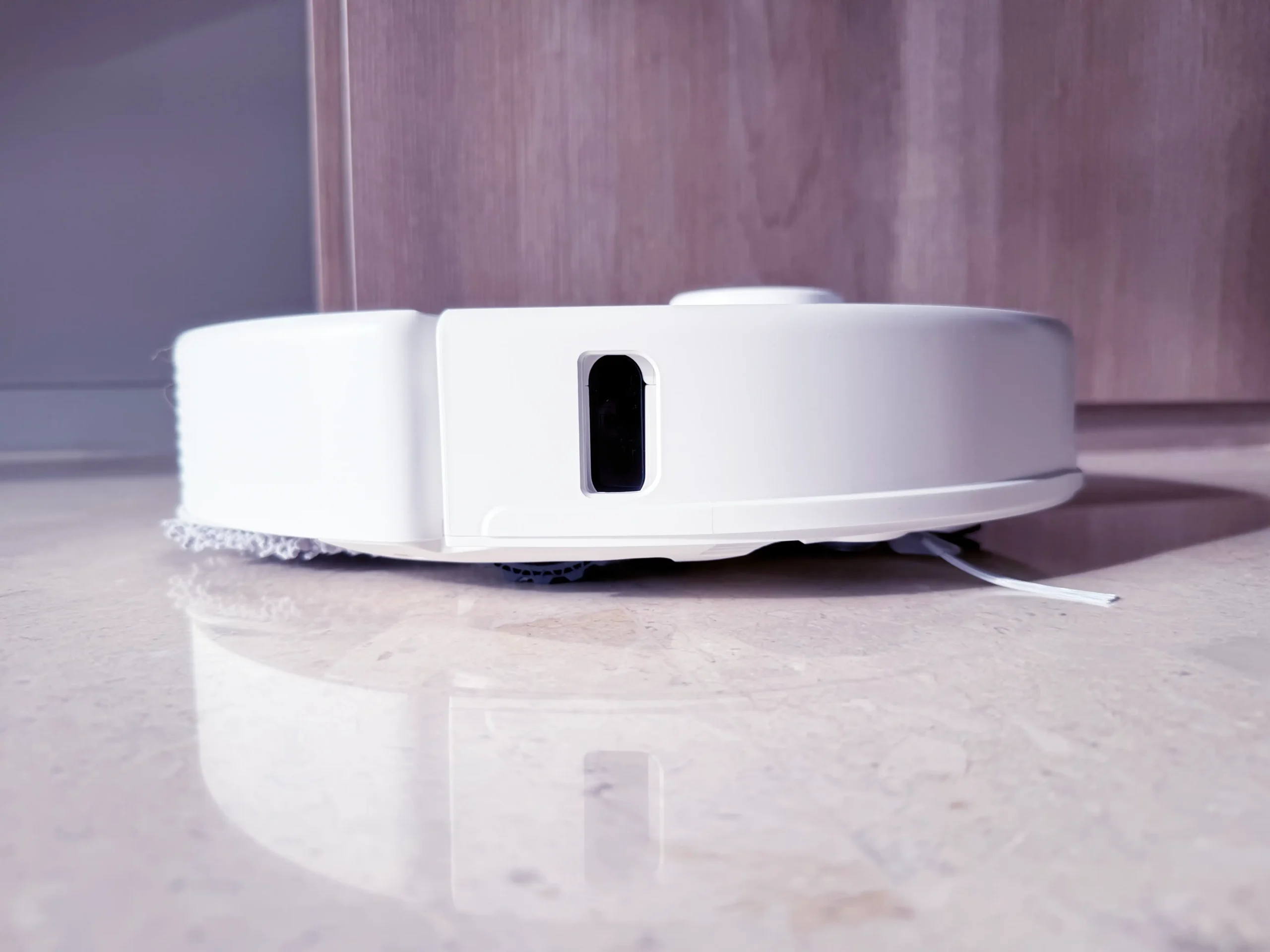
On the left side, the robot has an outlet port for emptying its dustbin’s contents when docked.
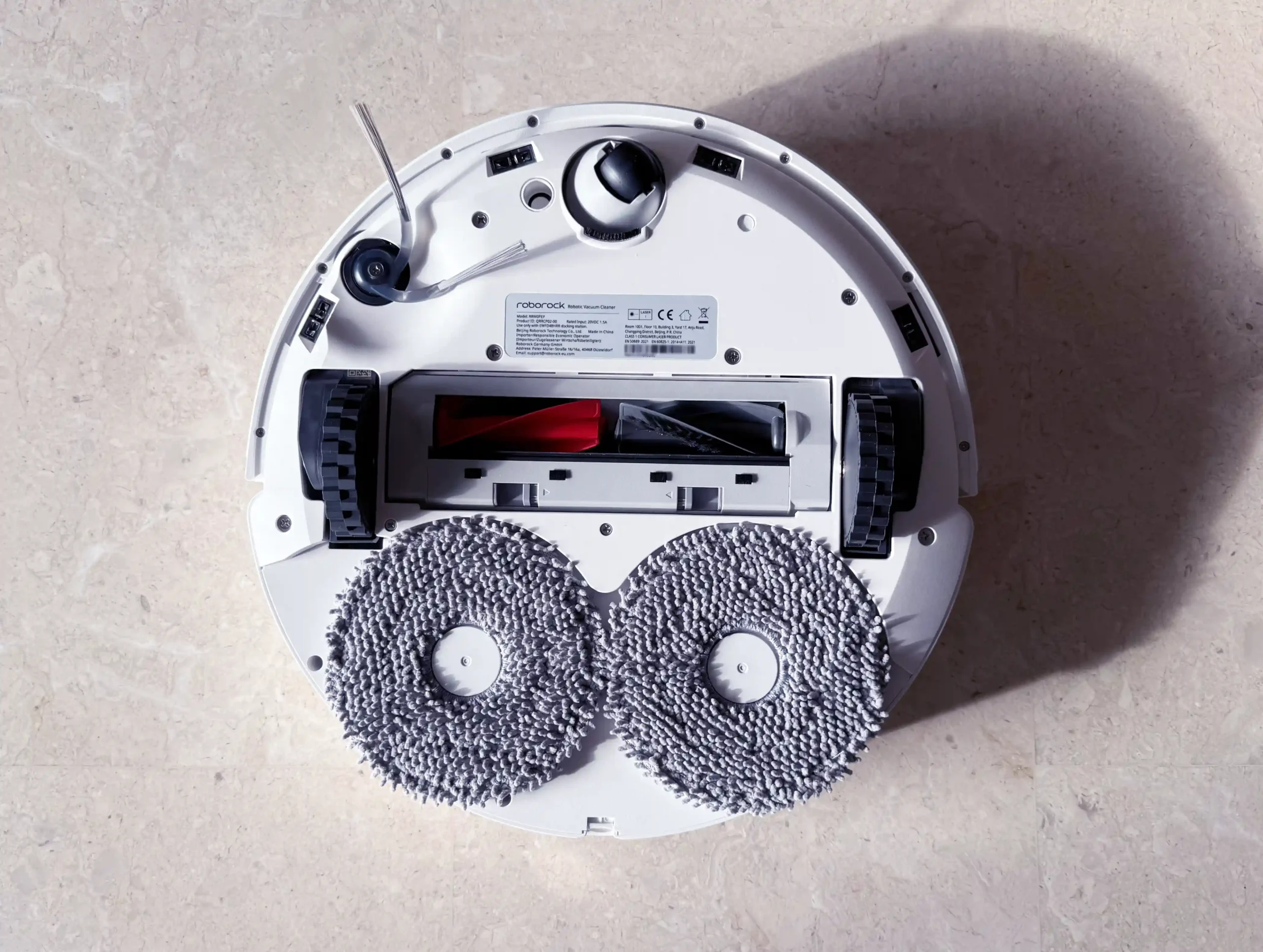
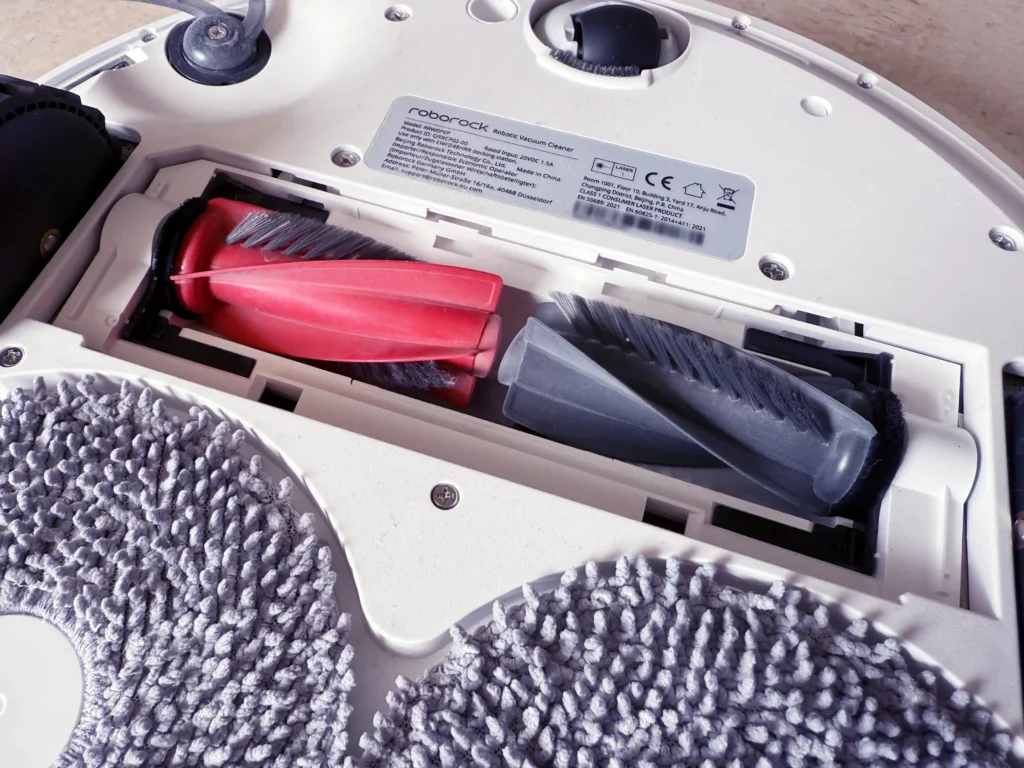
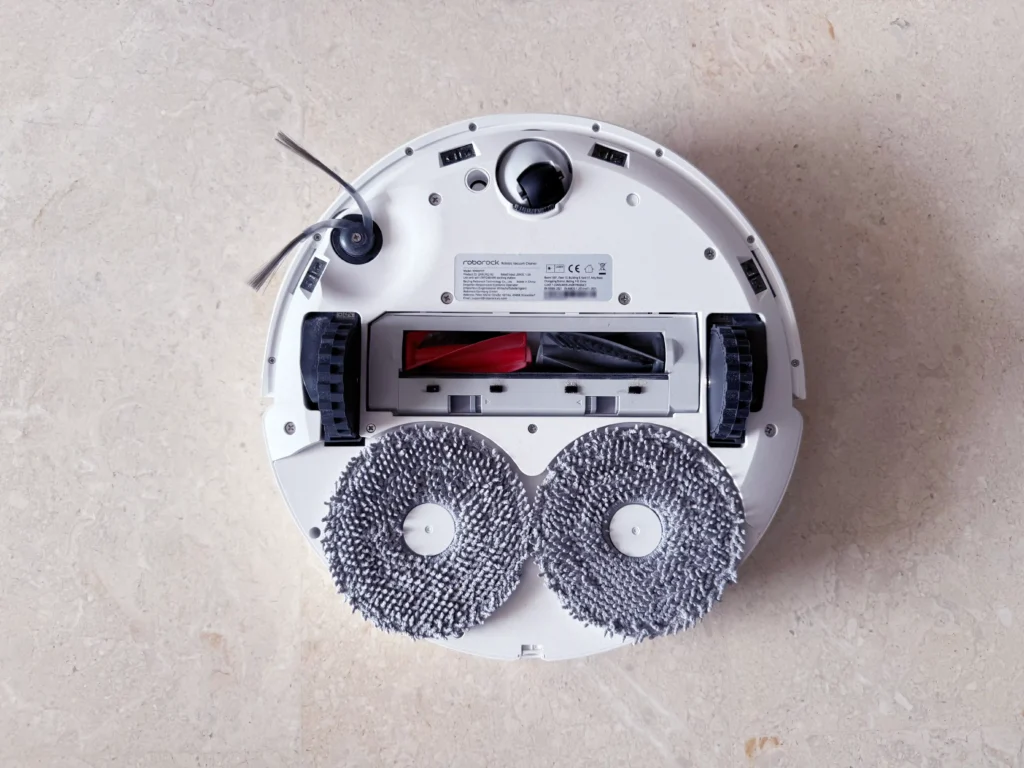
The underside of the robot features a longer list of components: a pair of large drive wheels, an omnidirectional caster wheel at the front, DuoDivide dual roller brushes, an anti-tangle side brush, a pair of rotating mop pads, and 4 cliff sensors to prevent the robot from falling off ledges.
Docking Station
The multifunctional docking station has a tall, simple vertical design and is fairly large. It measures 340 x 487 x 519 mm, a size necessary to accommodate 2 large water tanks, and weighs about 8.5 kilograms with empty water tanks (who needs dumbbells when you’ve got this?).
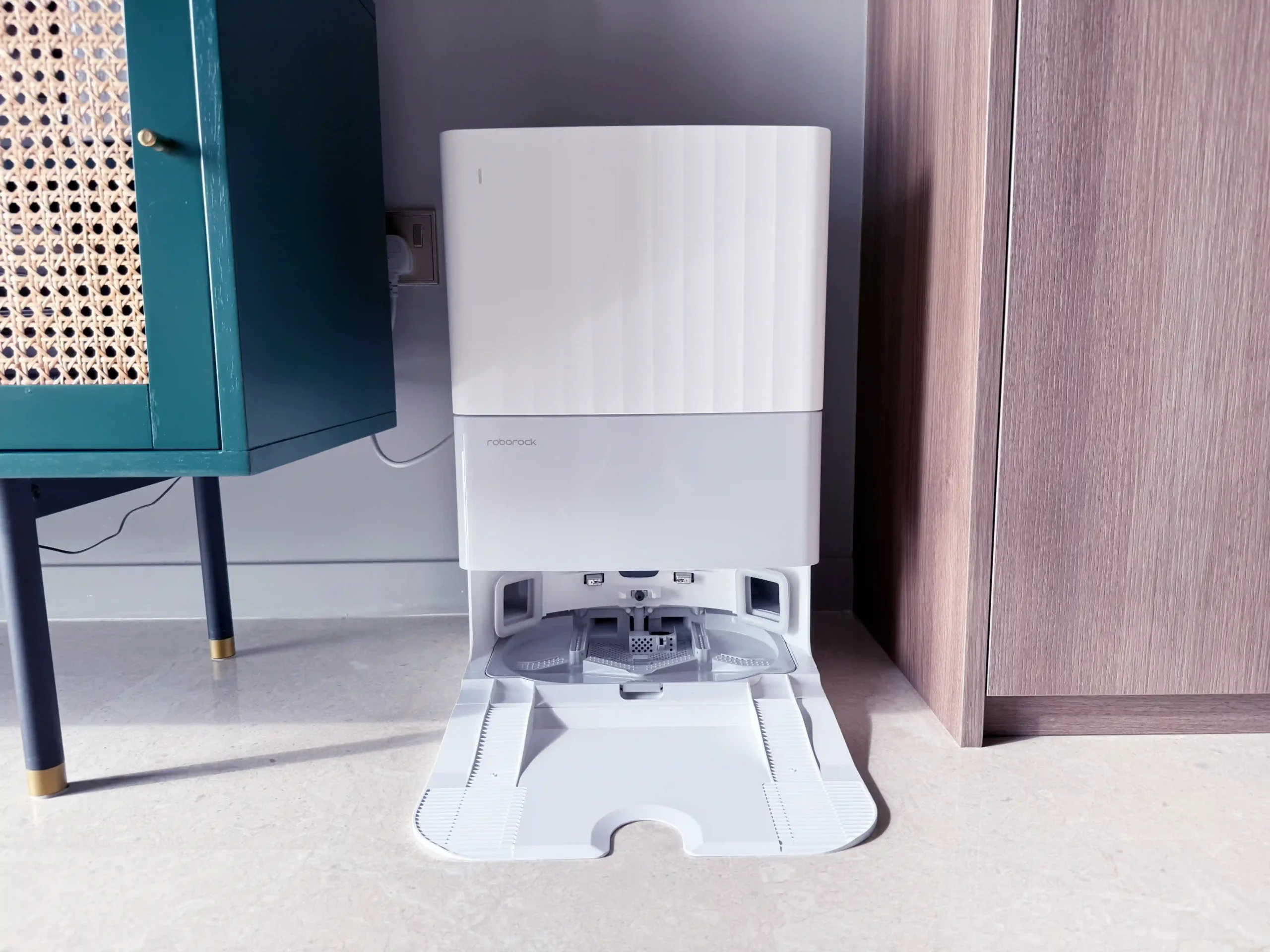
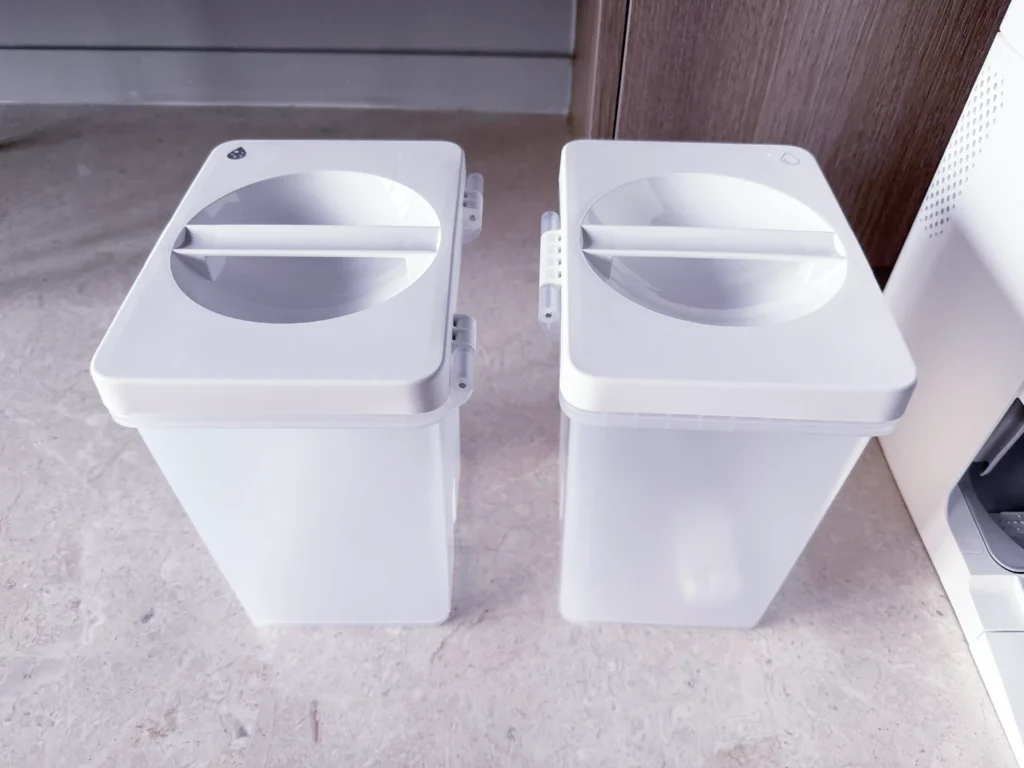
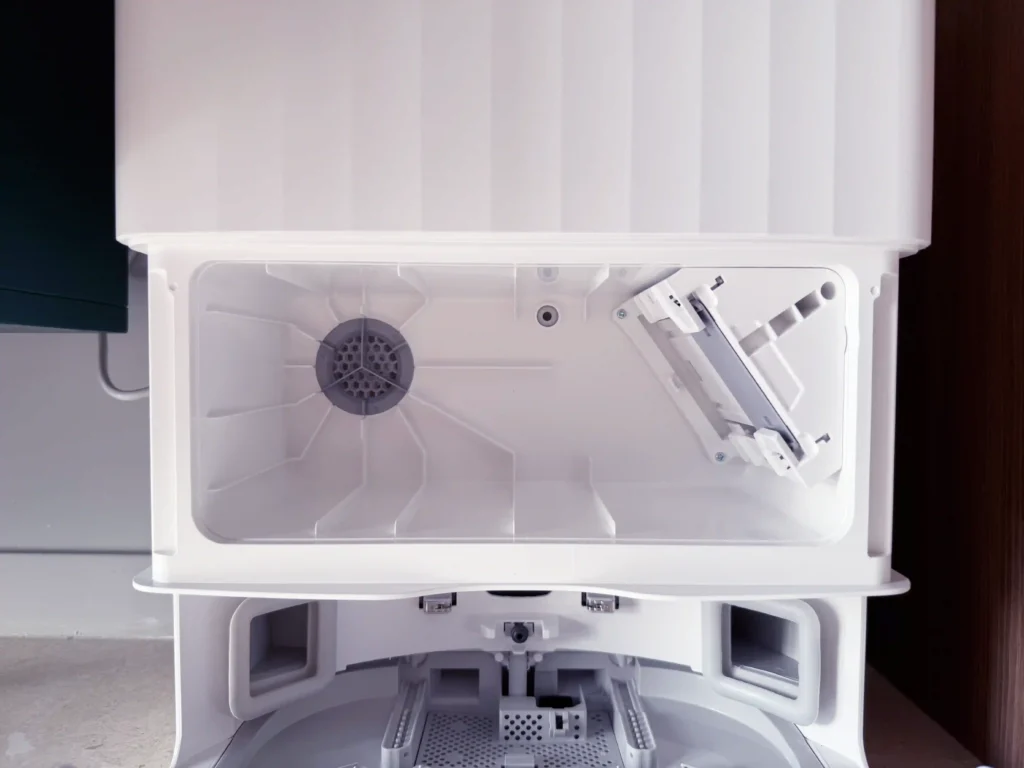
Right below the water tanks is the dust bag compartment, hidden away under a cover that maintains the dock’s minimalist aesthetic while allowing convenient replacement.

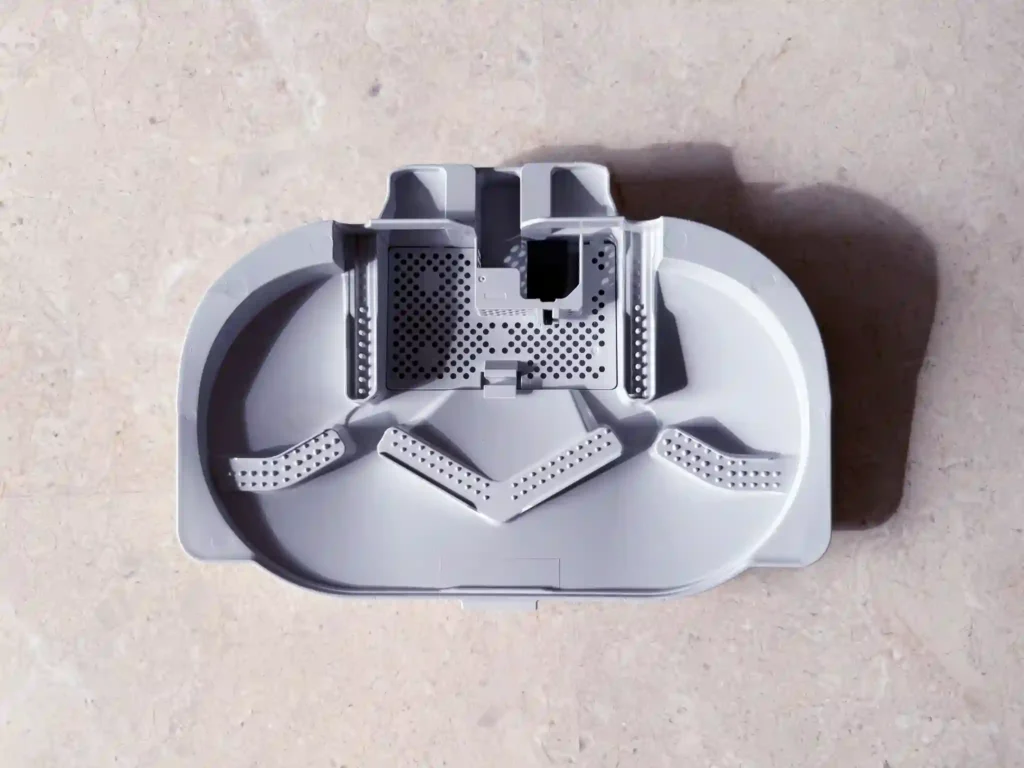
An often overlooked feature of modern robot vacuum docking stations is a removable base plate, allowing you to lift out the tray for a thorough wash in the sink.
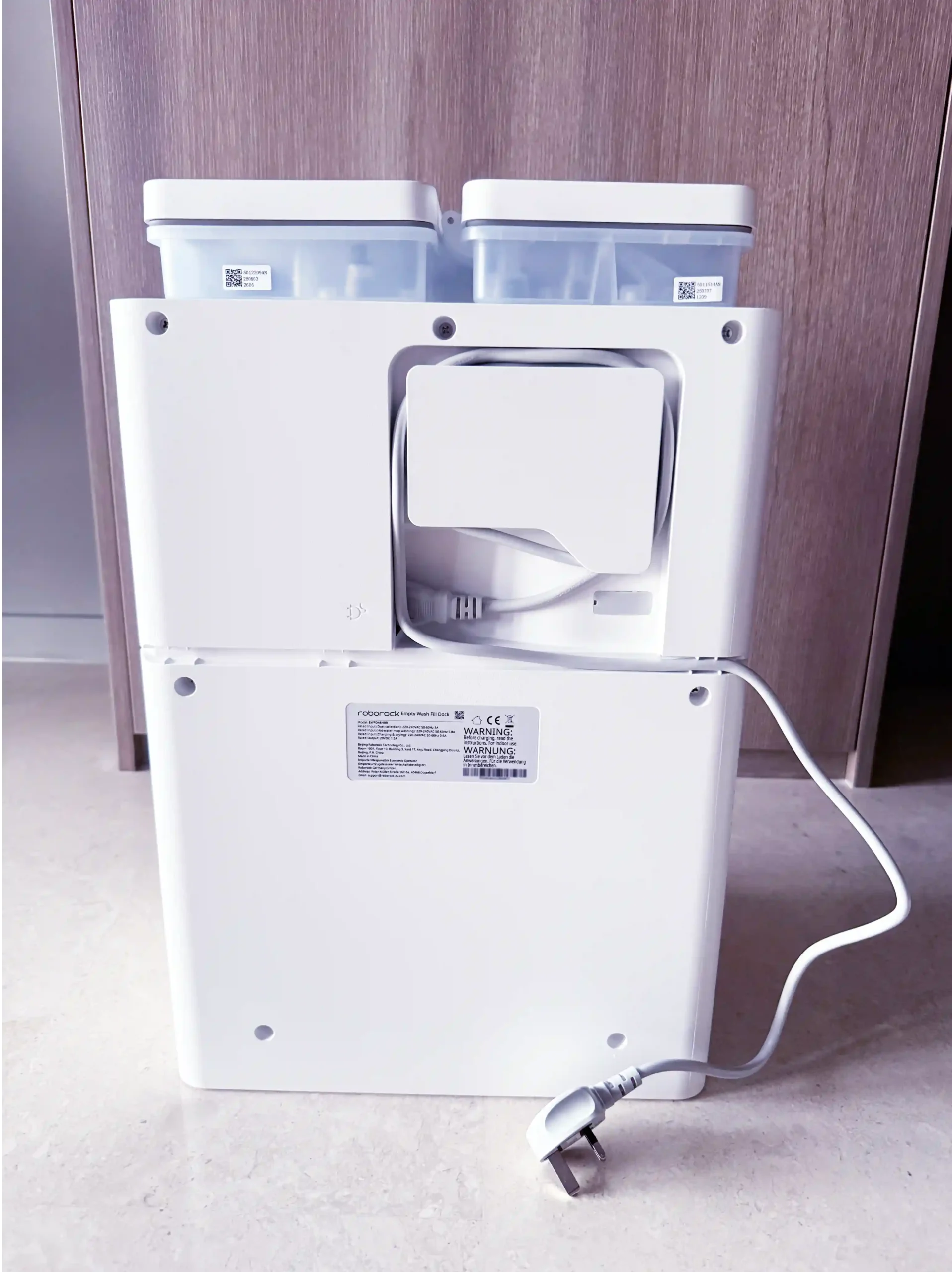
Behind, the docking station has a socket for the power cord and a convenient way to organize with its integrated cable management system.
Setup & Integration
Initial setup for the Qrevo C Pro is done using the official Roborock app. Beyond its native app, the robot also supports the universal Matter standard, enabling the robot to be controlled across Apple Home, Google Home, Amazon Alexa, Samsung SmartThings, and other Matter ecosystem apps.
To test its versatility, I integrated the vacuum into five different Matter-enabled platforms, along with the dedicated Roborock integration for Home Assistant. There is a lot to cover, so feel free to use the section links below to skip to the platforms that interest you most.
- Roborock App
- Apple Home
- Google Home
- Amazon Alexa
- Samsung SmartThings
- Home Assistant Matter Integration
- Home Assistant Roborock Integration
If you’re looking for a side-by-side comparison of features available across major Matter platforms, you can find a detailed breakdown here.
Setup on Roborock App
Getting the Roborock Qrevo C Pro connected is a simple, guided process through the official Roborock App (available for iOS or Android).


Once downloaded, the app will guide you through a series of steps from setting up a Roborock account, connecting the robot to your home’s 2.4 GHz Wi-Fi network, and pairing the device.
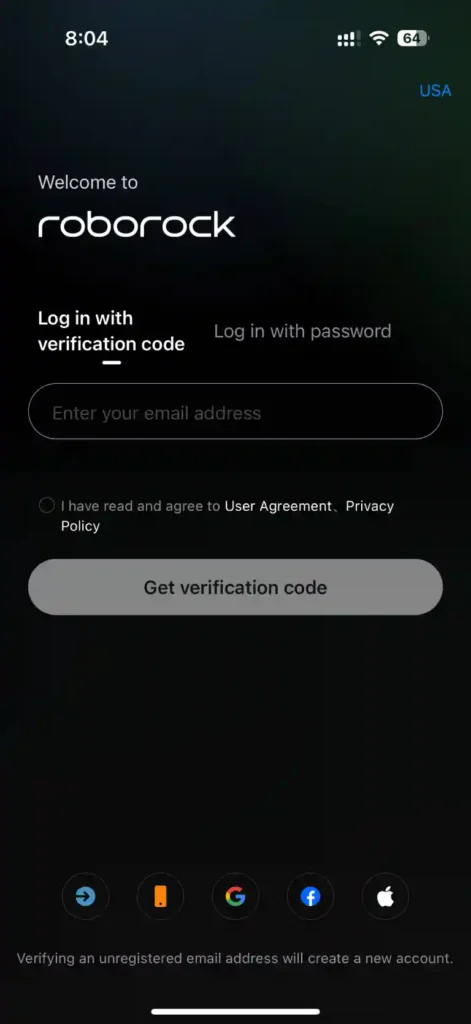

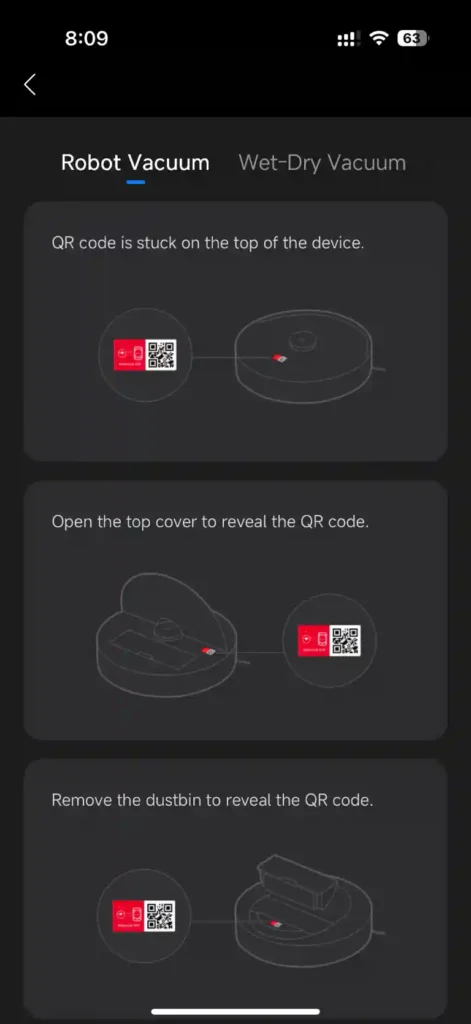
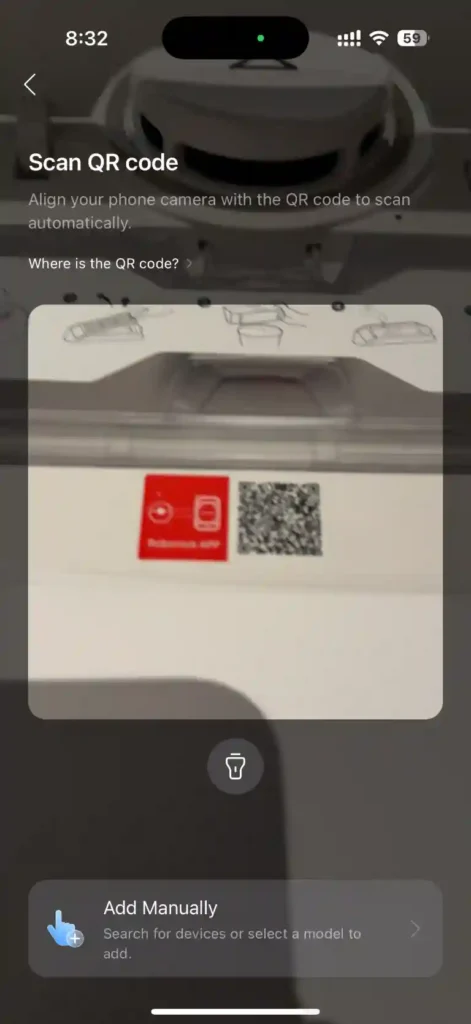
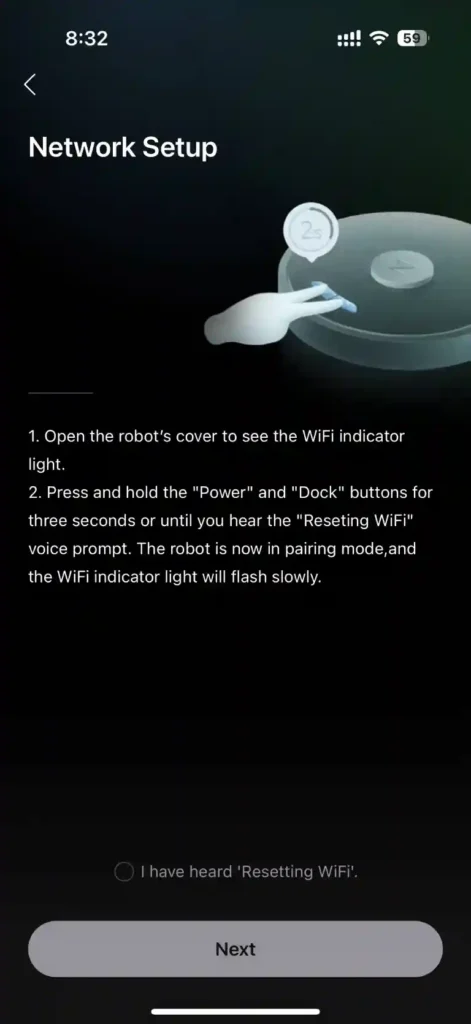
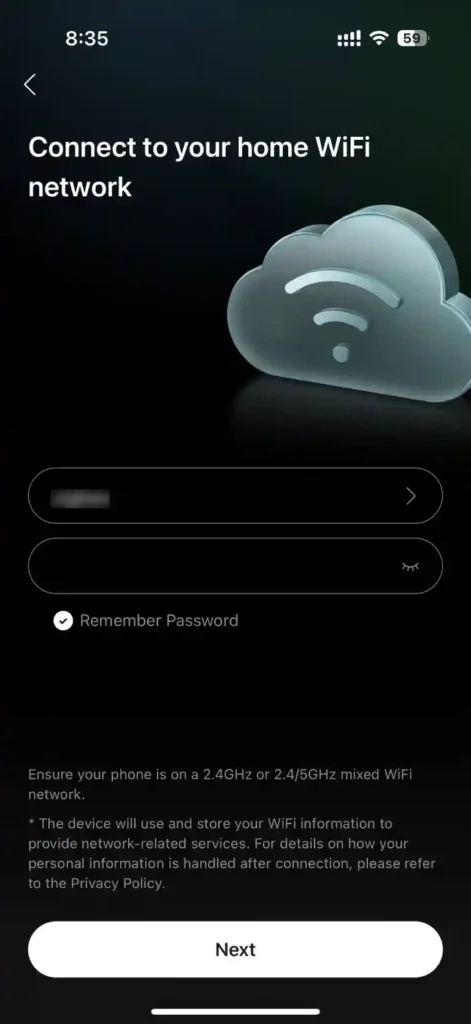
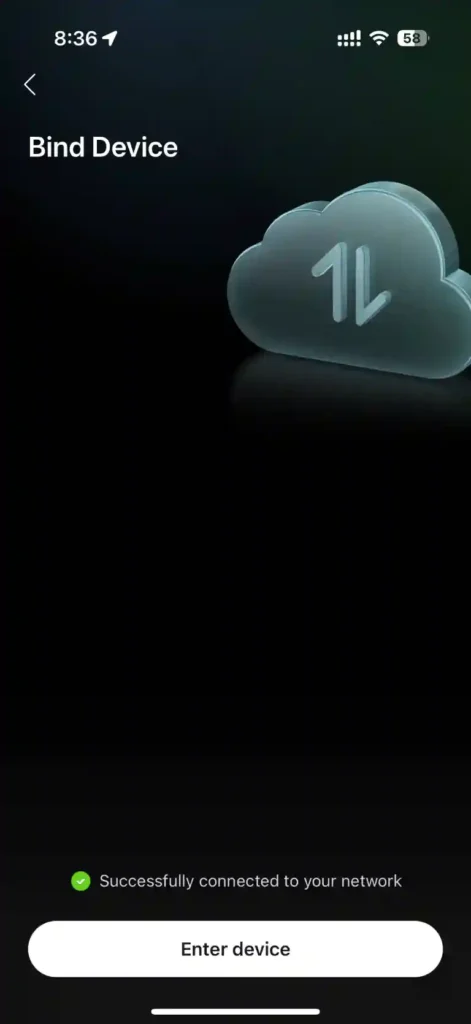

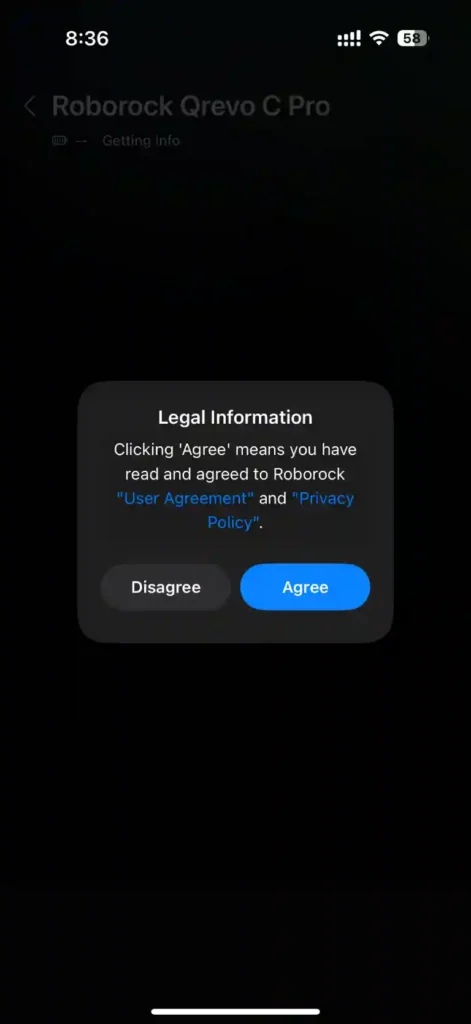
After linking the device, you’ll be greeted with a quick start guide and gain access to all the controls, mapping features, and customization options that will tailor the Qrevo C Pro to your specific cleaning requirements.

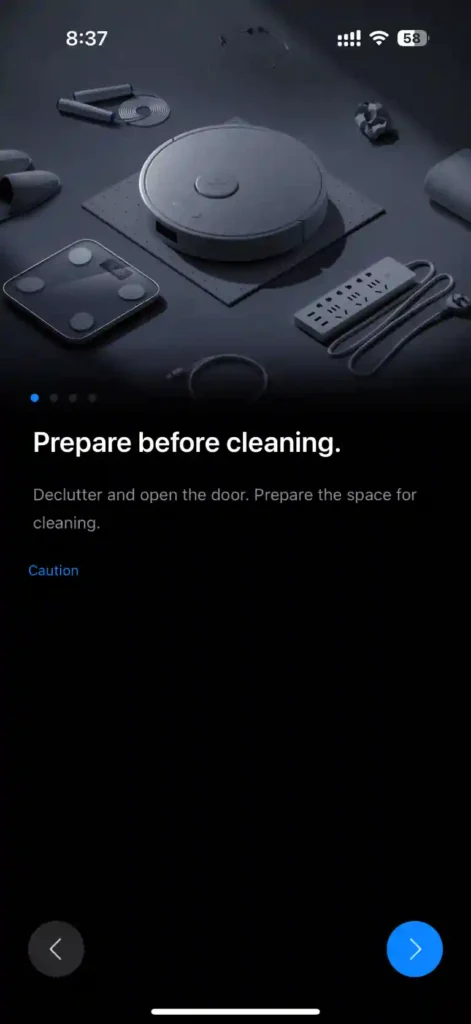

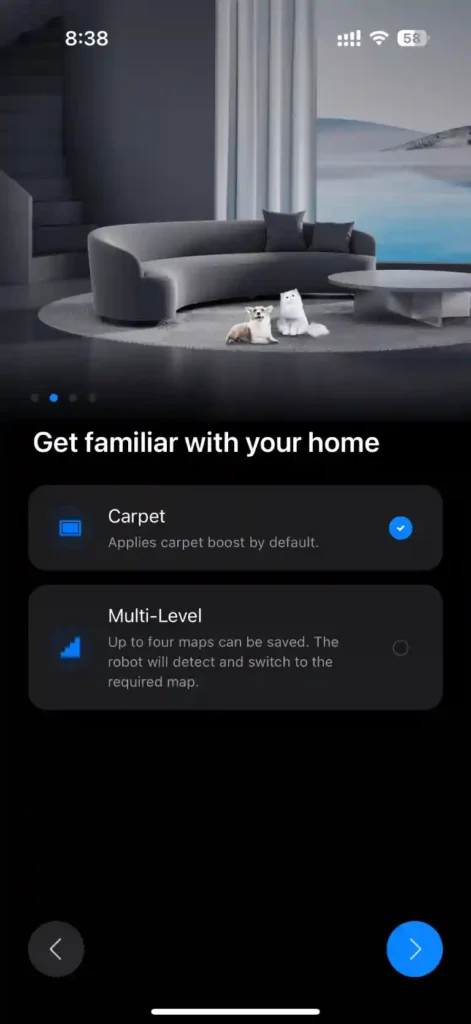


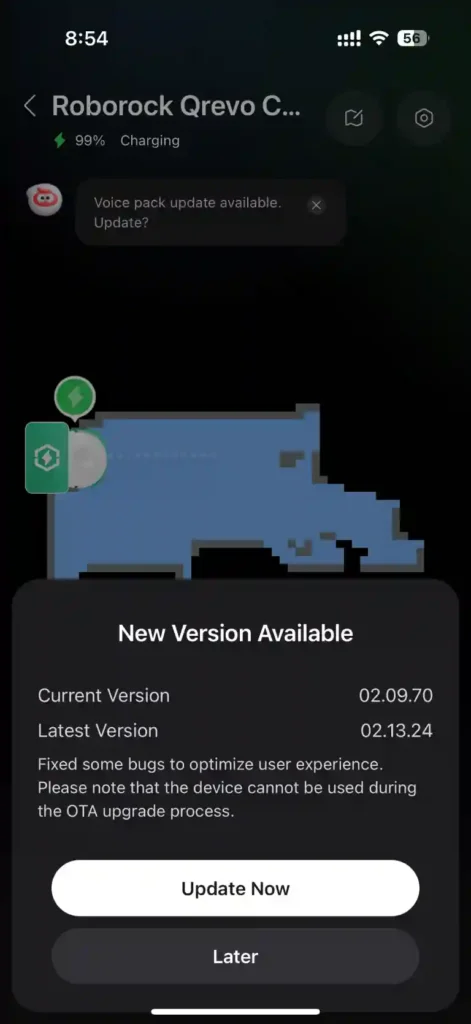
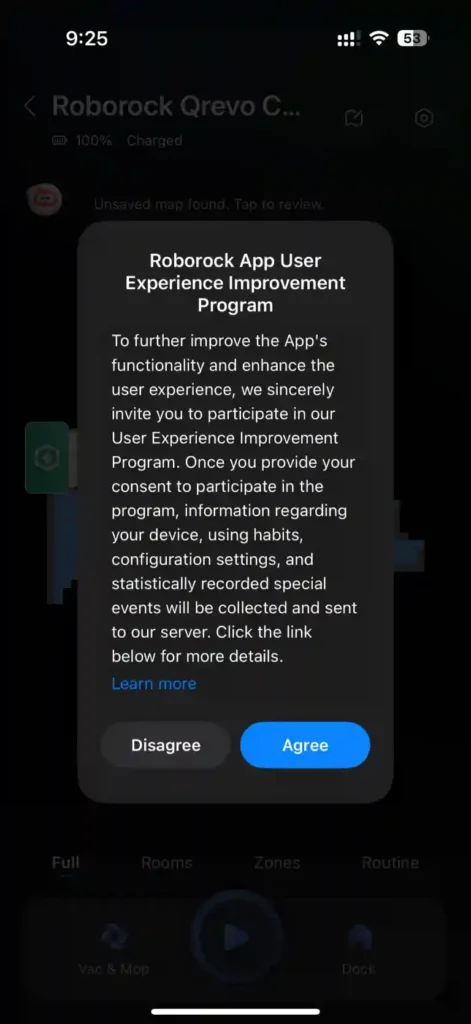
Setup on Matter Ecosystem Apps
The Roborock Qrevo C Pro can be added to Matter smart home ecosystems such as Apple Home, Google Home, Alexa, and more. You will need the Matter setup code to initiate pairing. This can be found in the Roborock App under Settings > Connect to Matter Network.
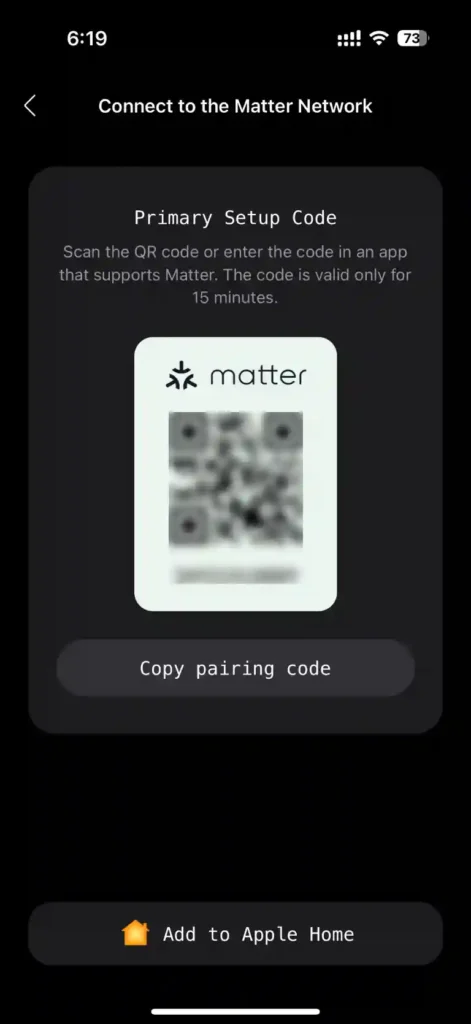
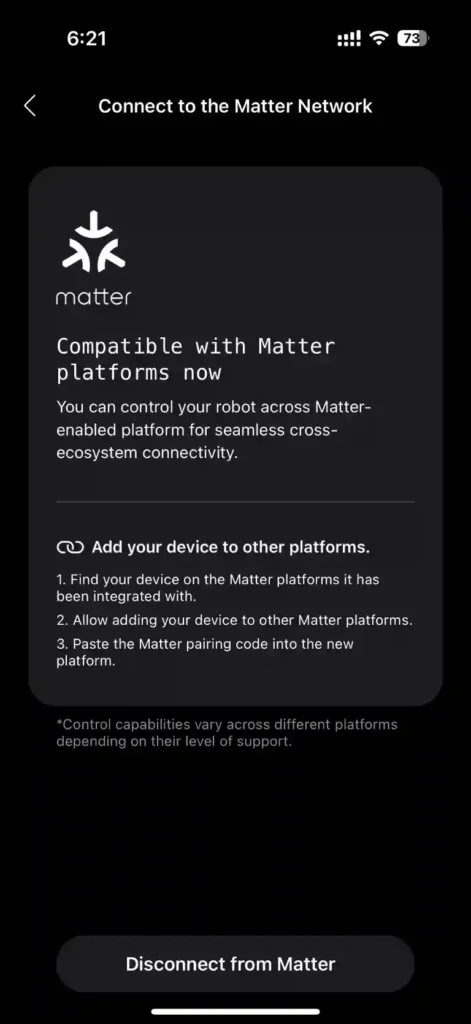
As with other Matter devices, the setup code can only be used with one Matter ecosystem at any one time. However, thanks to Matter’s Multi-Admin feature, the Qrevo C Pro can also be paired with other ecosystems by simply generating a pairing code from the app where the device was first added. For instance, if you first pair the robot with Apple Home, you’ll need to generate the pairing code from the Apple Home app to pair it with another ecosystem app, such as Google Home or Alexa.
The Roborock App also provides a convenient option to disconnect the device from all Matter ecosystems.
Setup on Apple Home
The Roborock App provides a shortcut to add the robot vacuum to Apple Home by tapping the Add to Apple Home button located under the Matter setup code. Before you can add the Qrevo C Pro, you will first need to set up a Matter-compatible Home hub in Apple Home.
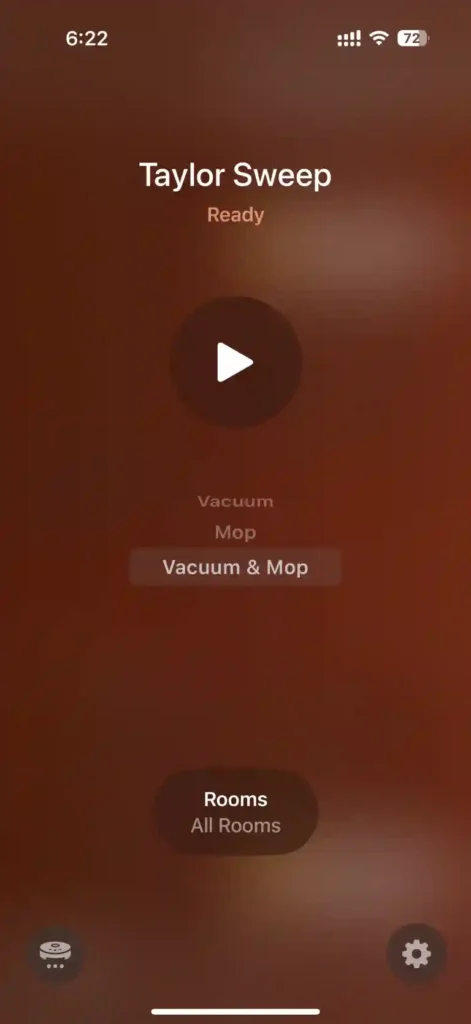
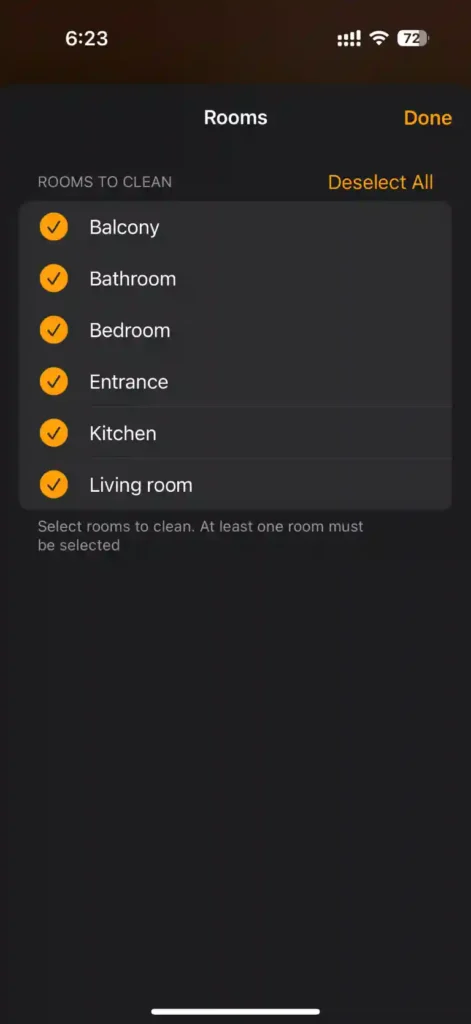
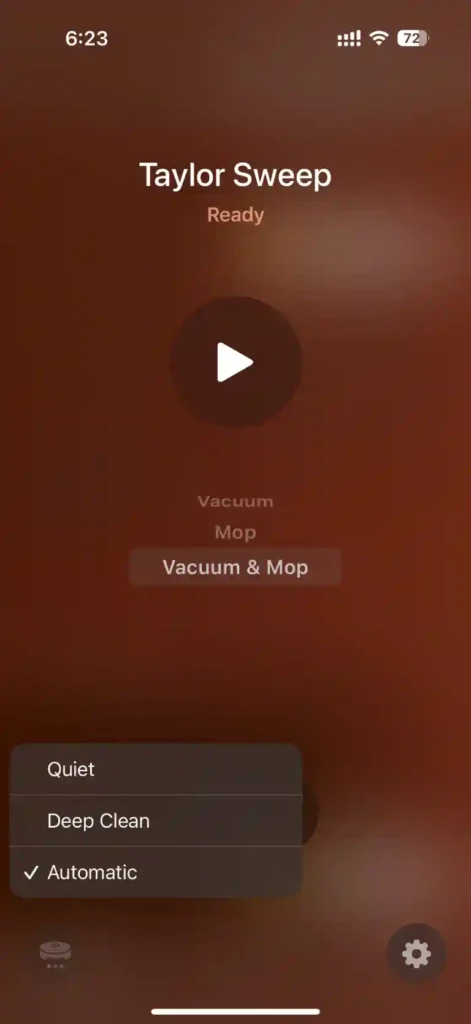
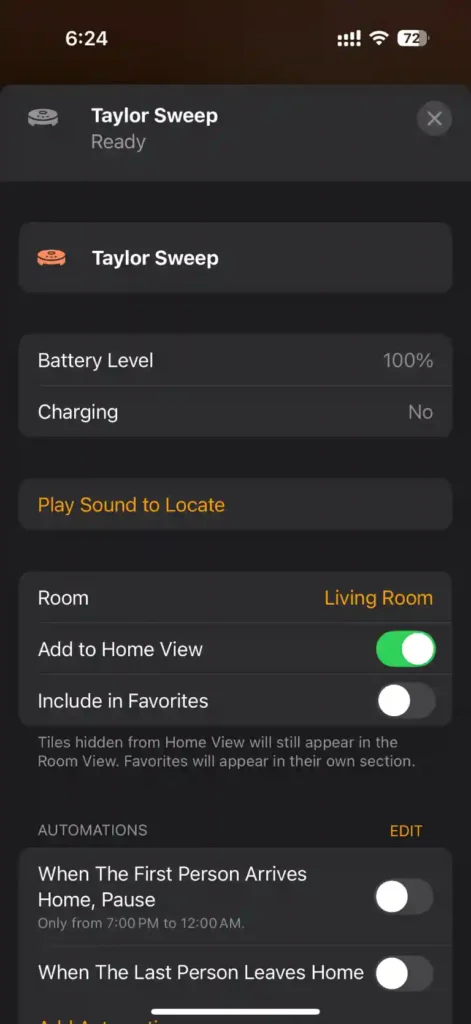
Once paired, Apple Home provides the following controls and device information for the Qrevo C Pro:
- Clean Mode: Vacuum, Mop, Vacuum & Mop
- Room Selection: Choose individual or all rooms to clean
- Run Mode: Quiet, Deep Clean, Automatic
- Battery Level
- Charging Status
- Play Sound to Locate: The robot will speak, “Hi, I’m over here”


Setup on Google Home
Since the Qrevo C Pro is already added to Apple Home, I used the setup code generated from Apple Home to add the robot vacuum to Google Home.
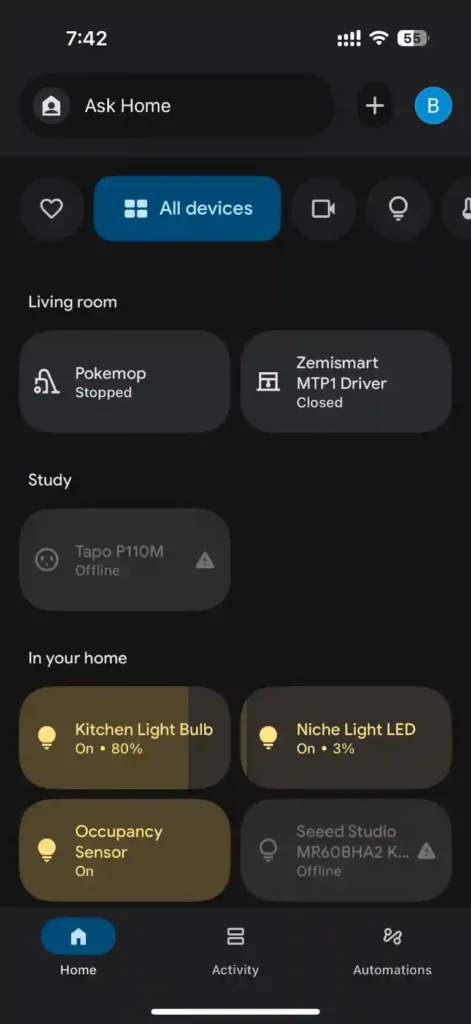
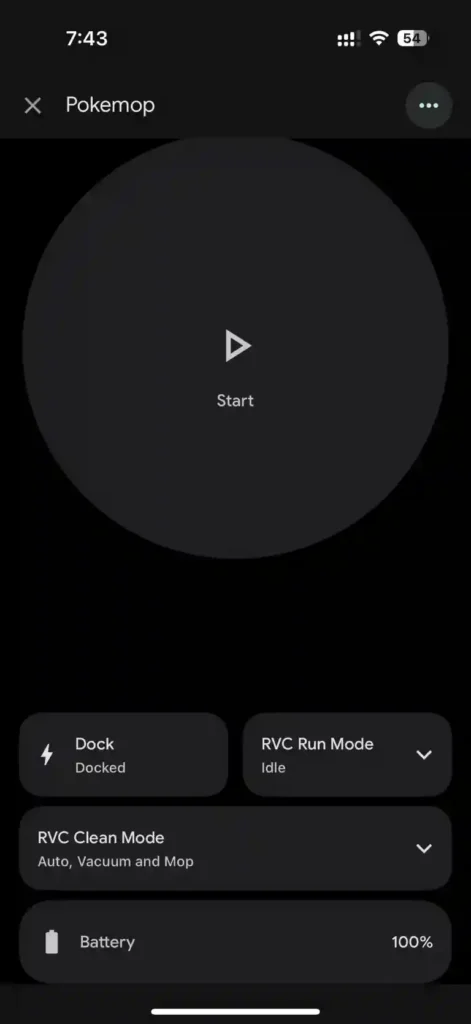
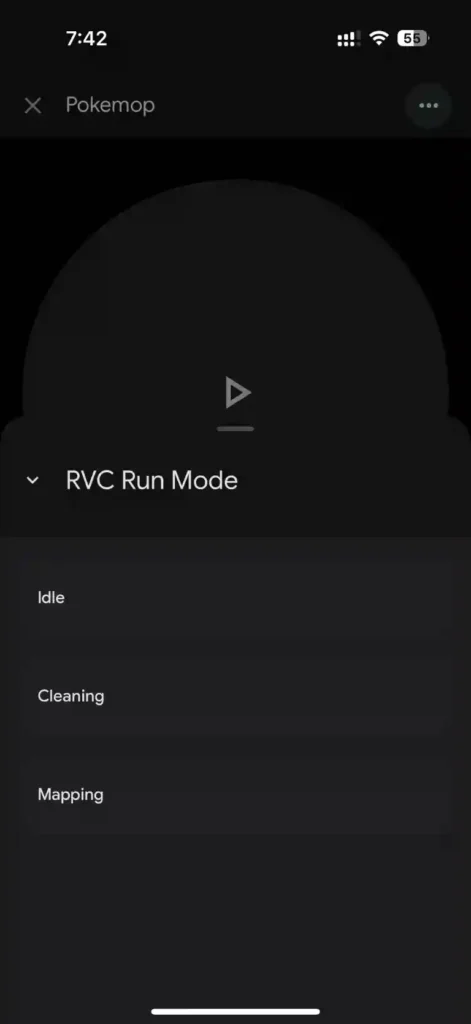
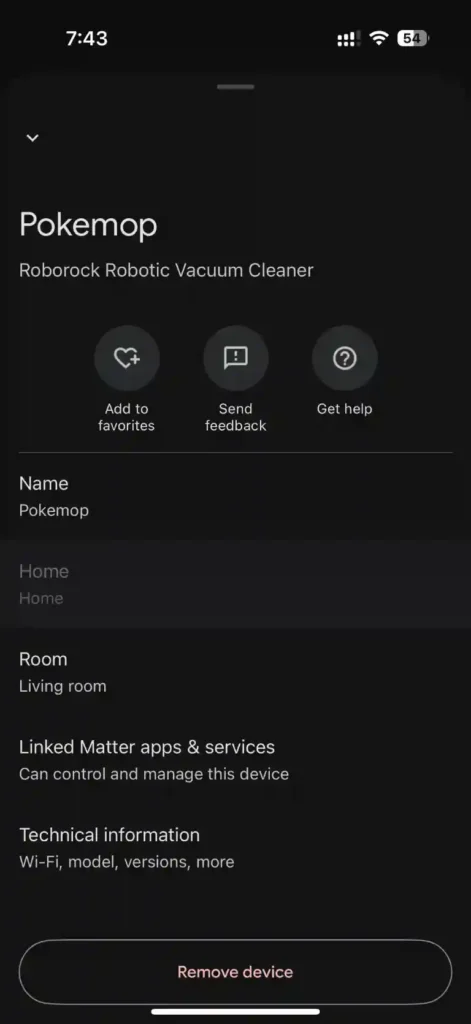
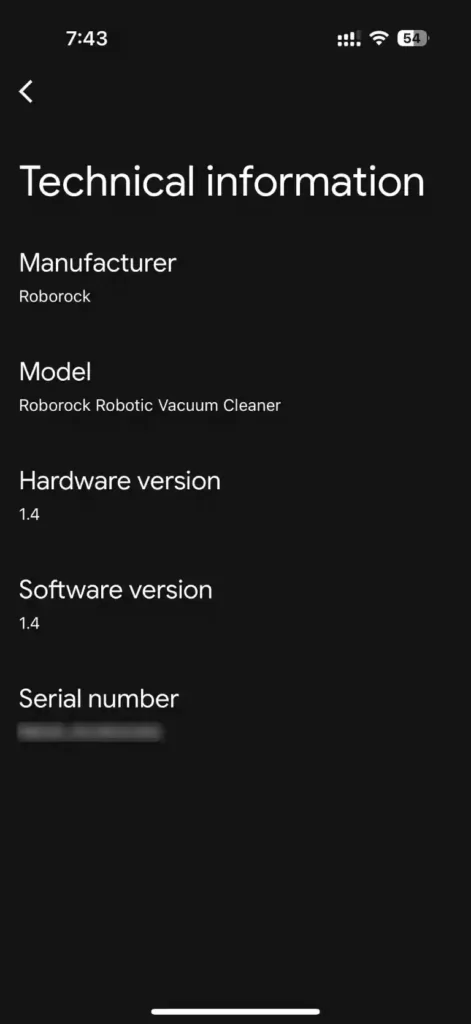
Google Home provides the following controls and statuses for the Qrevo C Pro:
- Clean Mode: Vacuum, Mop, Vacuum and Mop (with Quiet, Auto, Deep Clean for each mode)
- Run Mode: Idle, Cleaning, Mapping
- Return to Dock
- Battery Level

Setup on Amazon Alexa
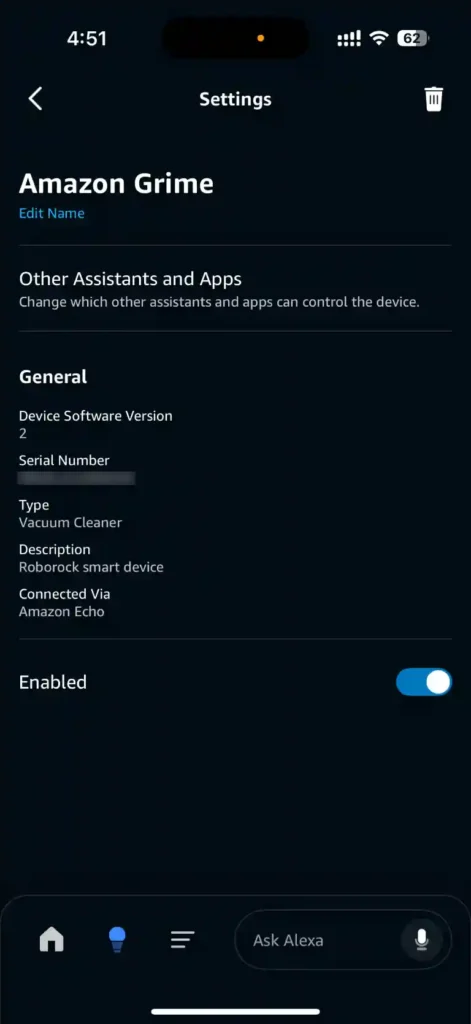
To pair the Qrevo C Pro with Alexa, I used the Matter setup code generated from the Apple Home app. This code could have been generated from Google Home as well.
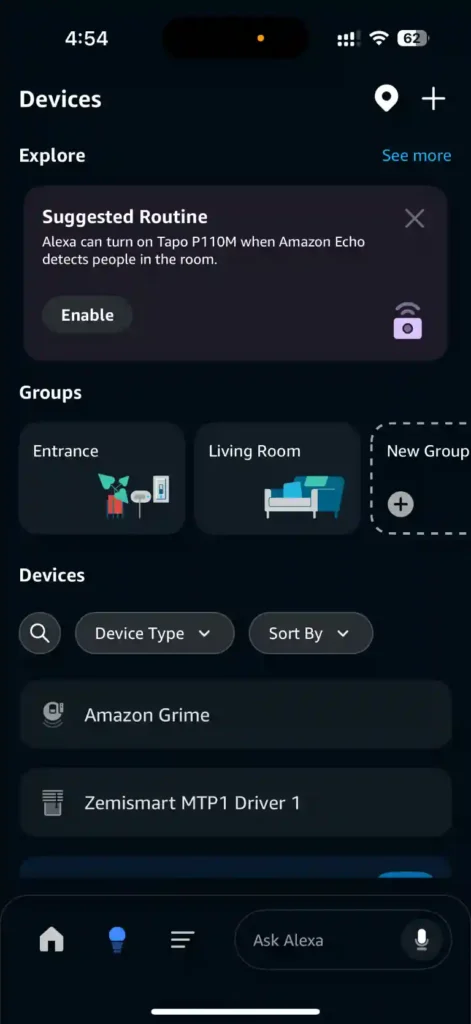
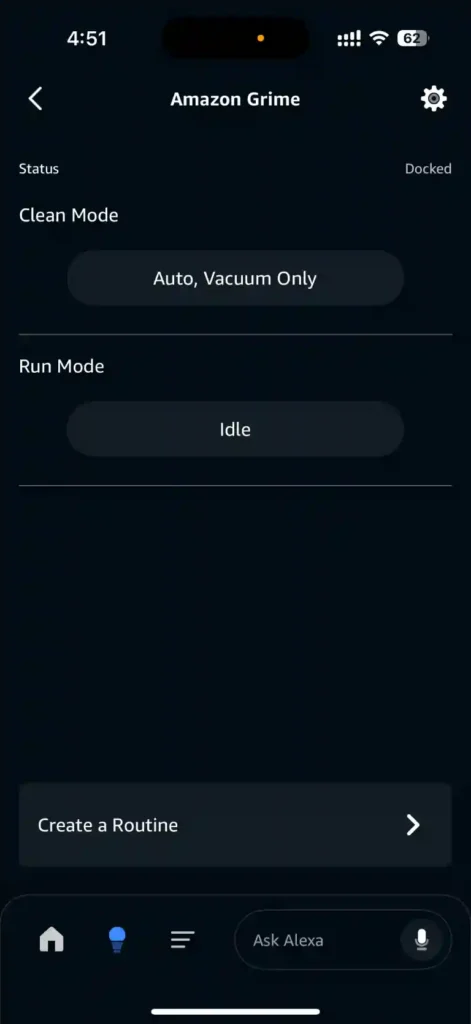
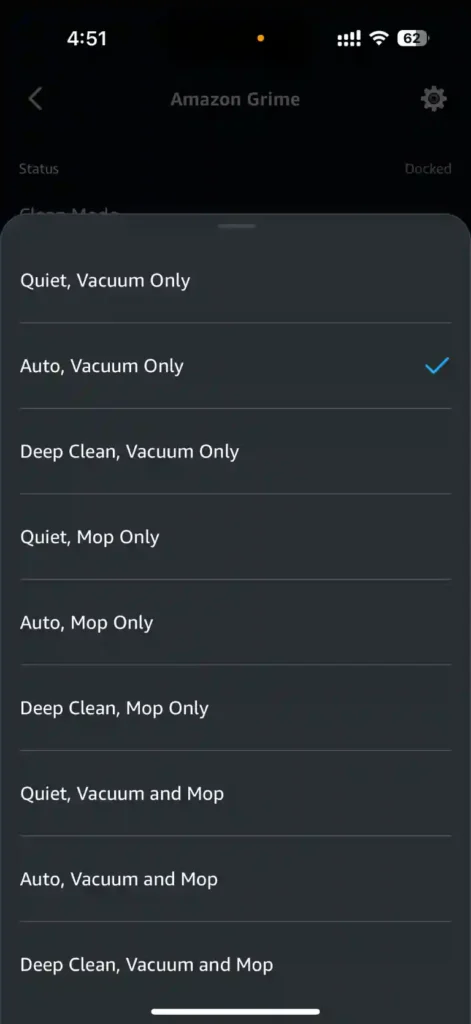
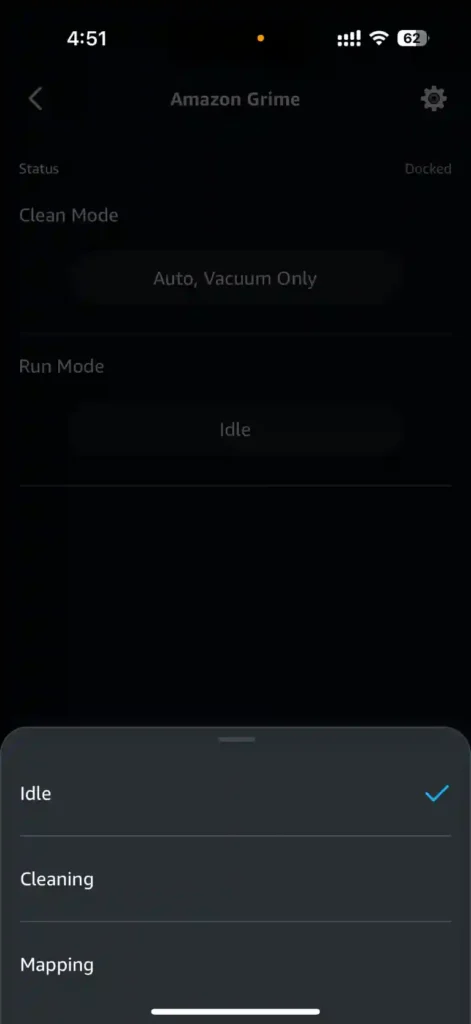
Here are the Qrevo C Pro controls available on Alexa:
- Clean Mode: Vacuum, Mop, Vacuum and Mop (with Quiet, Auto, Deep Clean for each mode)
- Run Mode: Idle, Cleaning, Mapping
Setup on Samsung SmartThings
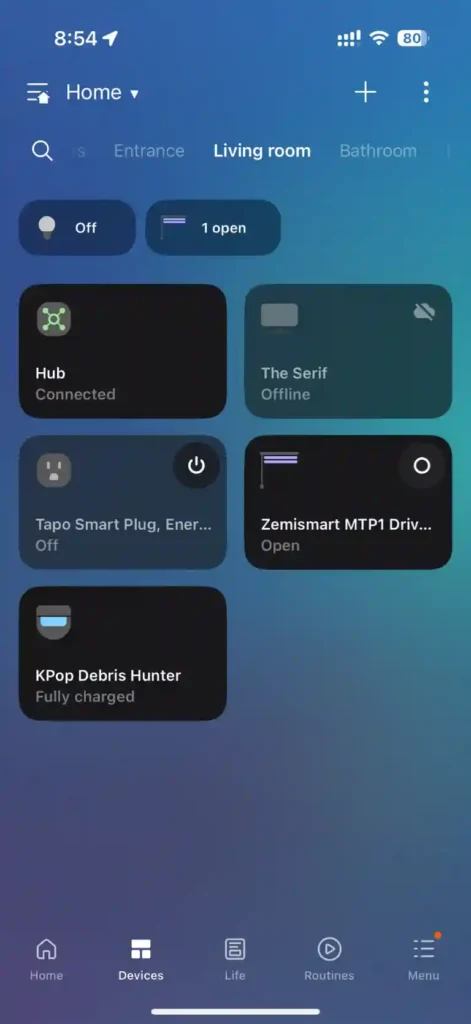
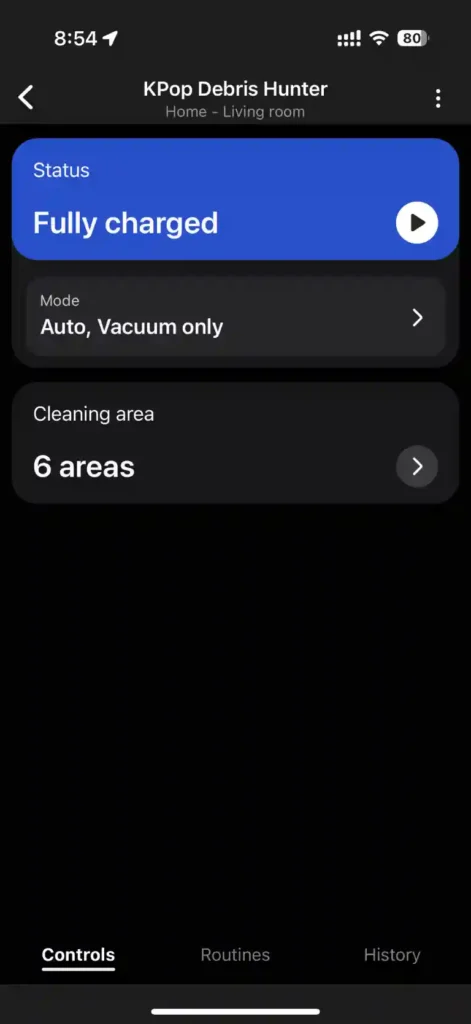
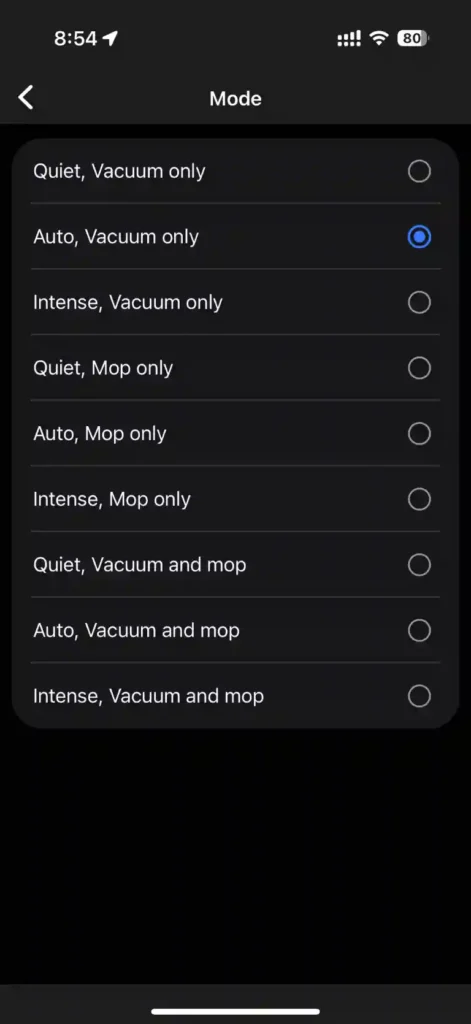
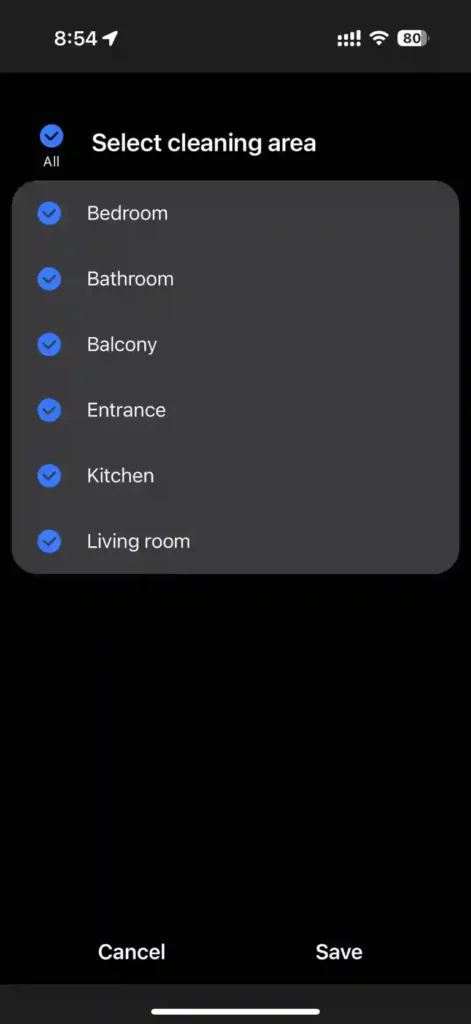
As with other Matter ecosystems, adding the Qrevo C Pro to SmartThings is a simple process. I used the Matter code generated from Apple Home to pair the robot; once connected, the following controls are available in the SmartThings app:
- Clean Mode: Vacuum, Mop, Vacuum and Mop (with Quiet, Auto, Intense/Deep Clean for each mode)
- Room Selection: Choose individual or all rooms to clean
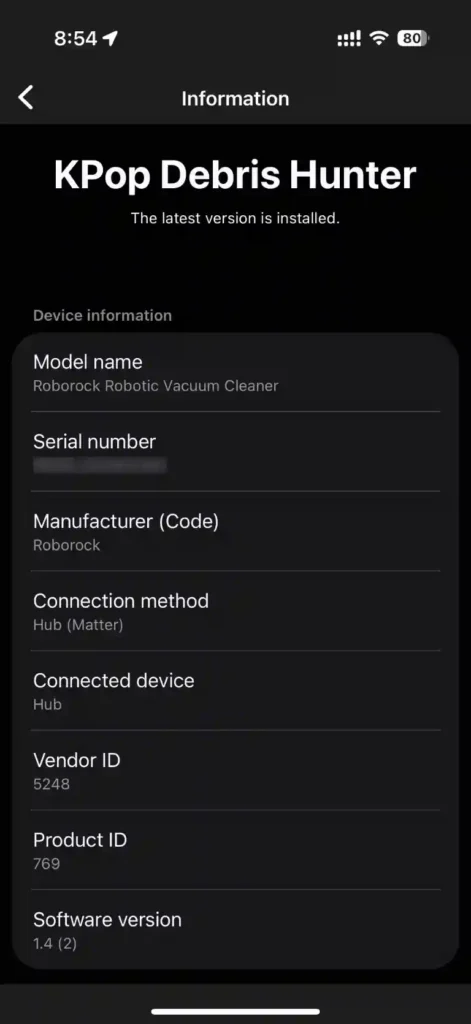
Setup on Home Assistant Matter Integration
To add the Qrevo C Pro using Matter, the Matter integration is required. Pairing the robovac is the same as adding any other Matter device to Home Assistant. Navigate to Settings > Devices & services > Devices, then tap Add Device and follow the onscreen instructions to complete device pairing.
Once added, the following controls and entities are available:
- Clean Mode
- Start Cleaning
- Pause Cleaning
- Stop Cleaning
- Locate Robot (which doesn’t seem to do anything during my testing)
- Return To Dock
- Operational State: Docked, Running, Paused, Stopped, Seeking Charger
- Battery Level
- Battery Charge State
- Identify: The robot will speak, “Hi, I’m over here”
- Operational Error
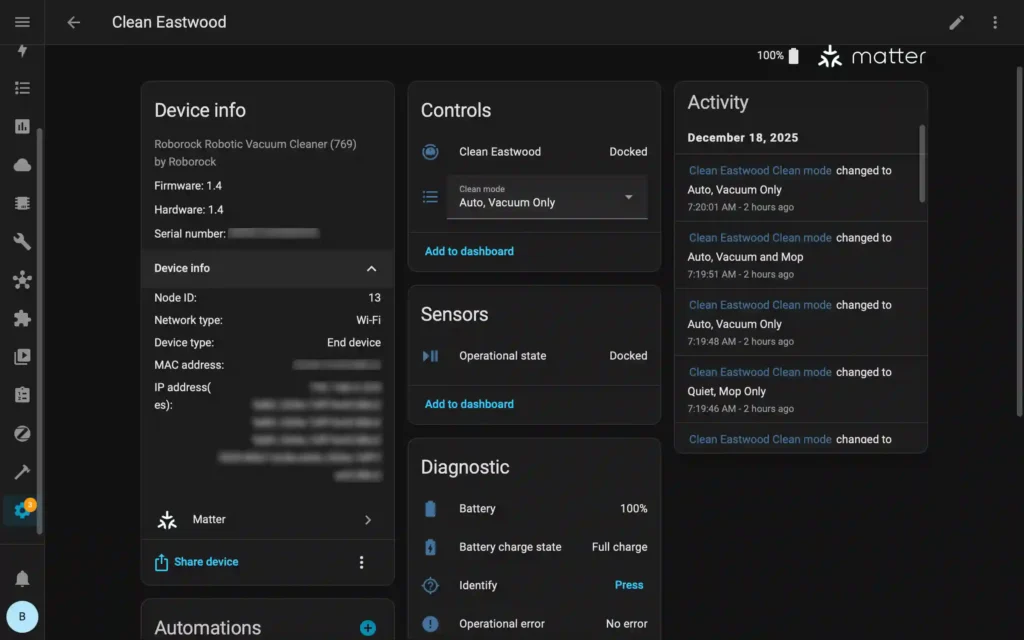
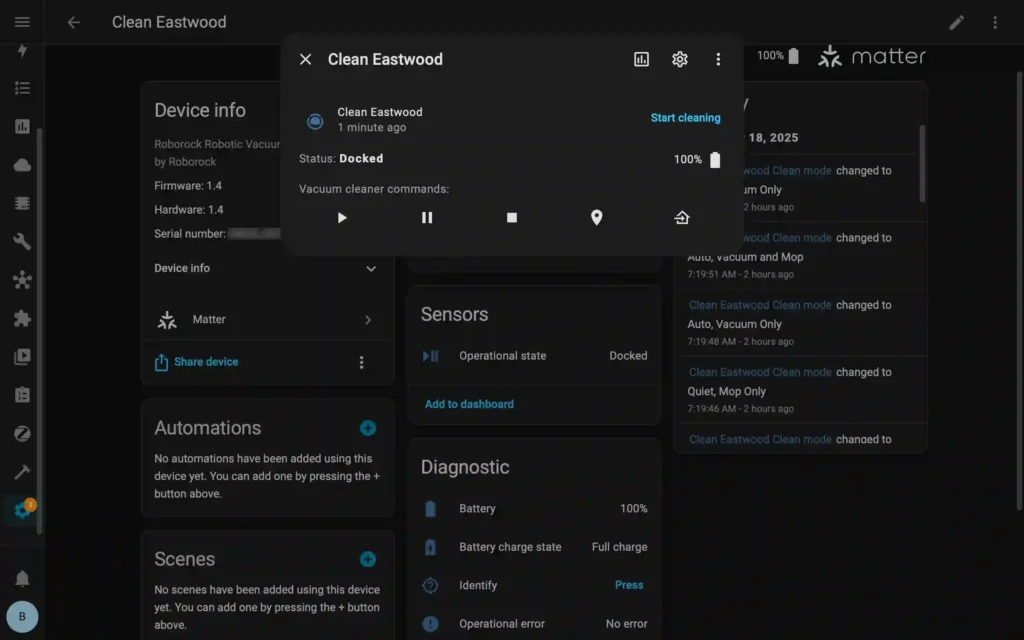
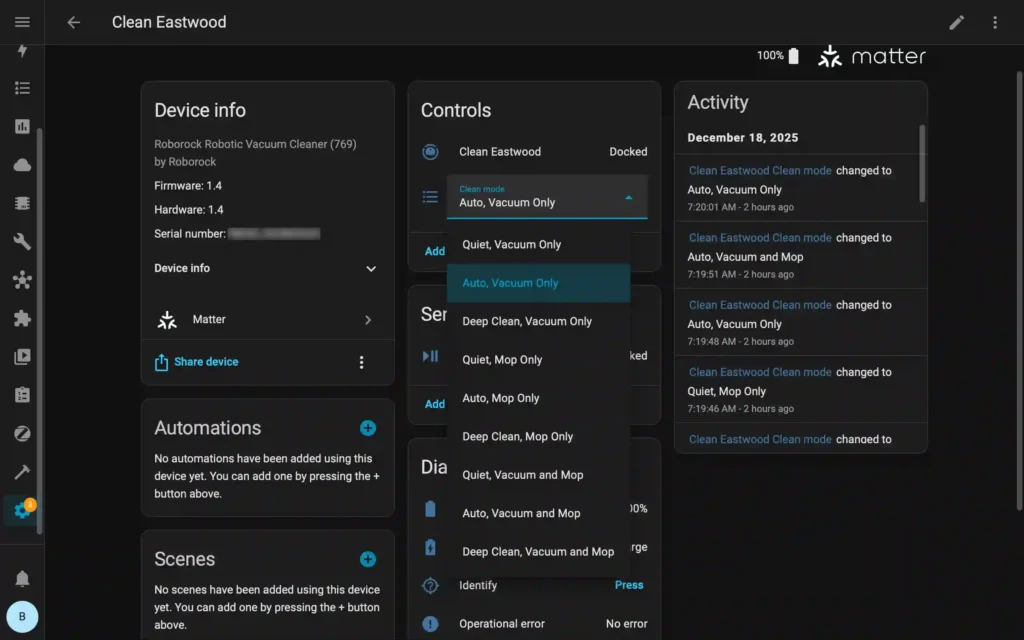
Matter Features across Ecosystems
Since Matter features vary across different smart home platforms, here is a quick comparison of available controls and device information across the ecosystems listed below:

Amazon Alexa

Apple Home

Google Home

Samsung SmartThings

Home Assistant
|
Feature |
|
|
|
|
|
|---|---|---|---|---|---|
|
Select cleaning mode1 |
✓ |
✓ |
✓ |
✓ |
✓ |
|
Select run mode2 |
✓ |
✓ |
✓ |
✓ |
✓ |
|
Select cleaning area |
✓ |
✓ |
|||
|
Start cleaning |
✓ |
✓ |
✓ |
✓ |
✓ |
|
Pause cleaning |
✓ |
✓ |
✓ |
✓ |
|
|
Stop cleaning |
✓ |
✓ |
|||
|
Locate robot |
✓ |
✓ |
|||
|
Return to dock |
✓ |
✓ |
✓ |
||
|
Operational state |
✓ |
✓ |
✓ |
✓ |
|
|
Battery level |
✓ |
✓ |
✓ |
||
|
Battery charging status |
✓ |
✓ |
✓ |
1 Cleaning Mode: Vacuum and Mop, Vacuum only, Mop only
2 Run Mode: Quiet, Deep Clean, Auto
Setup on Home Assistant Roborock Integration
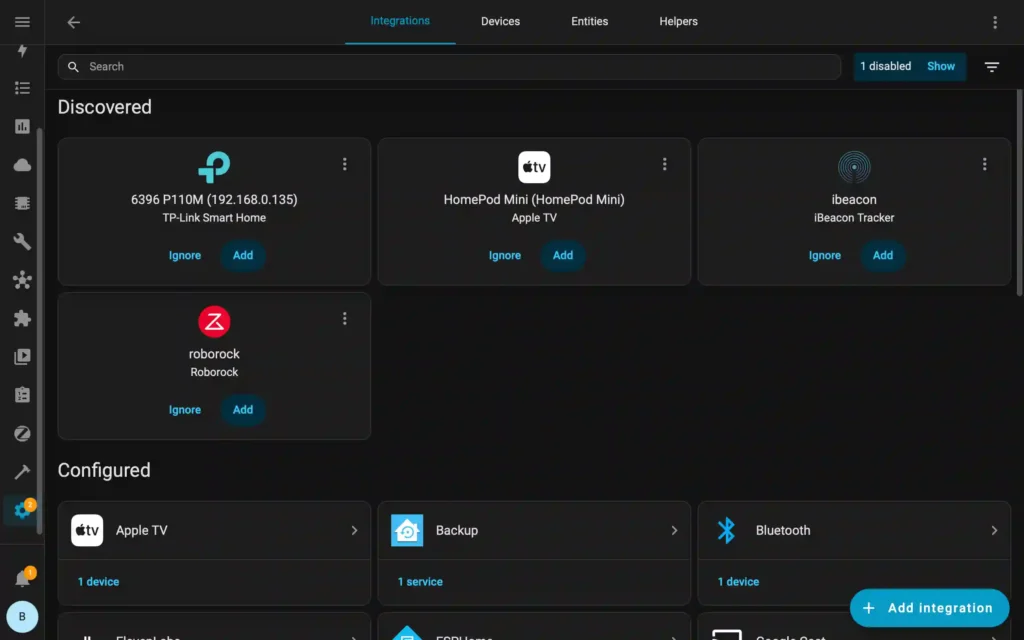
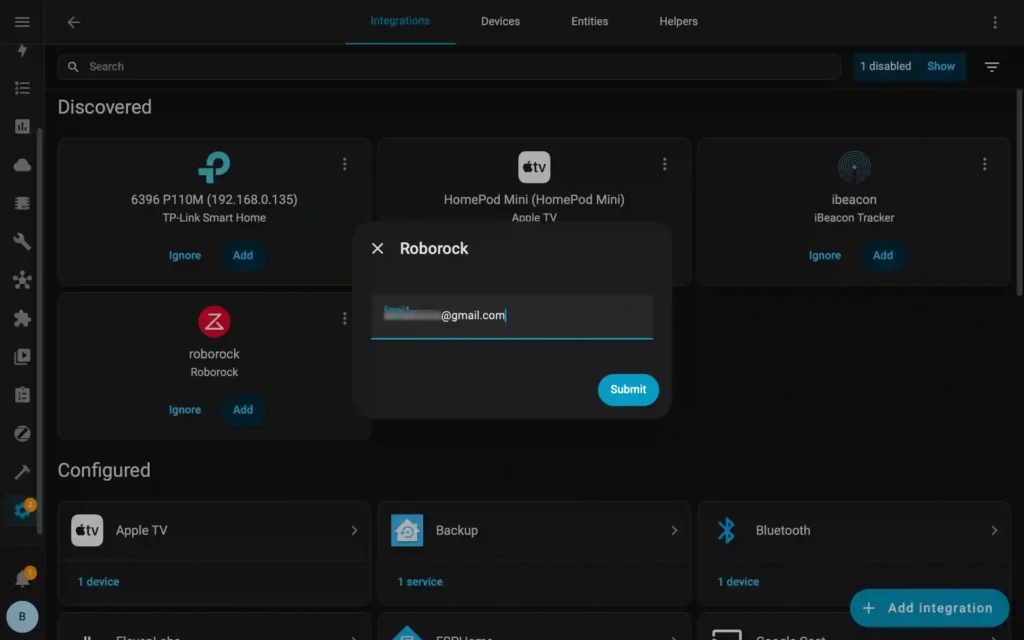
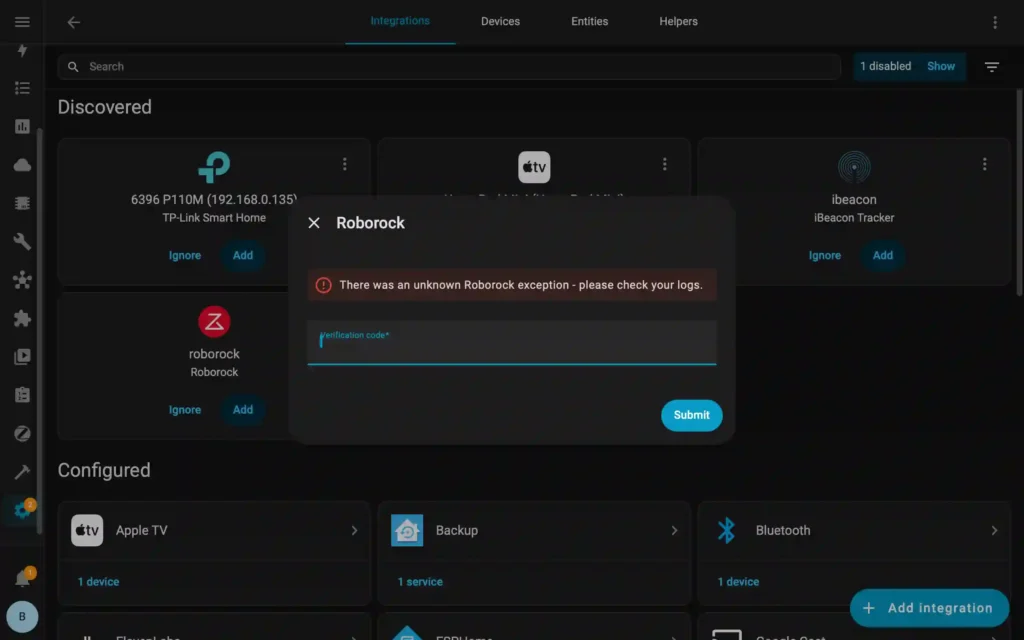
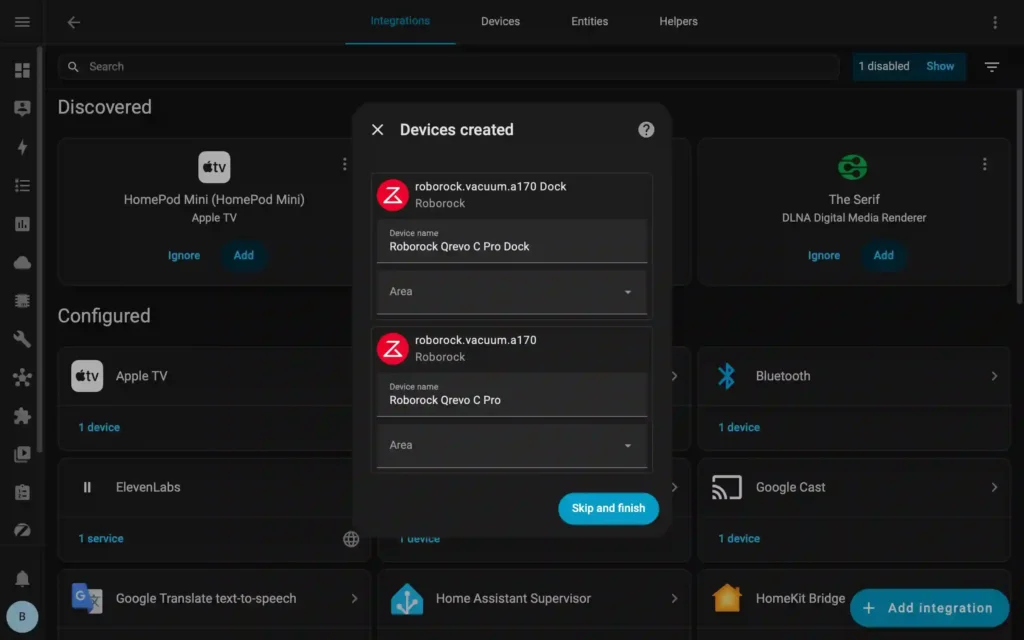
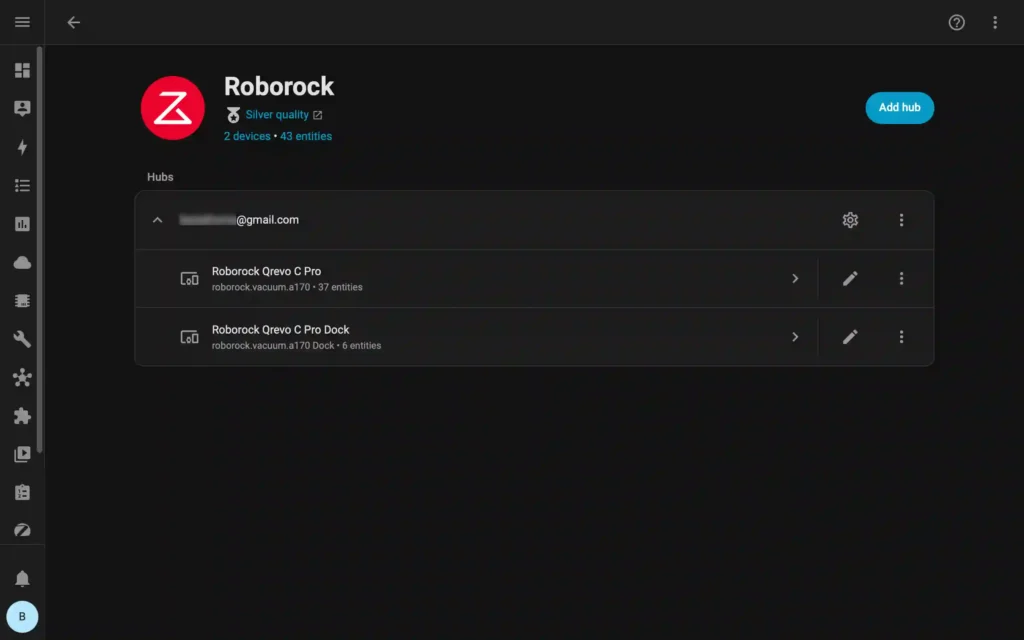
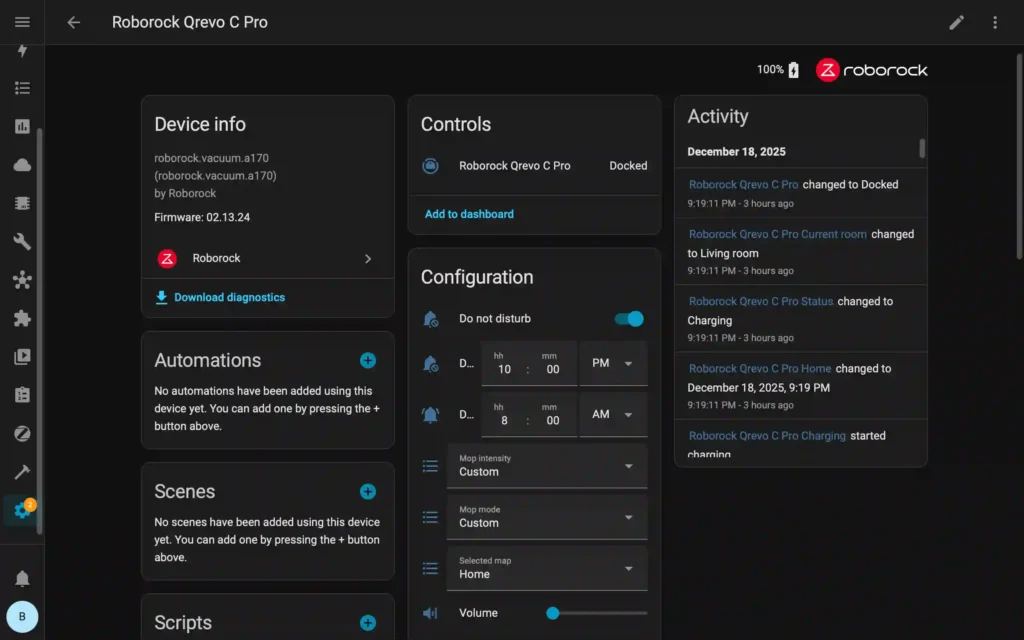
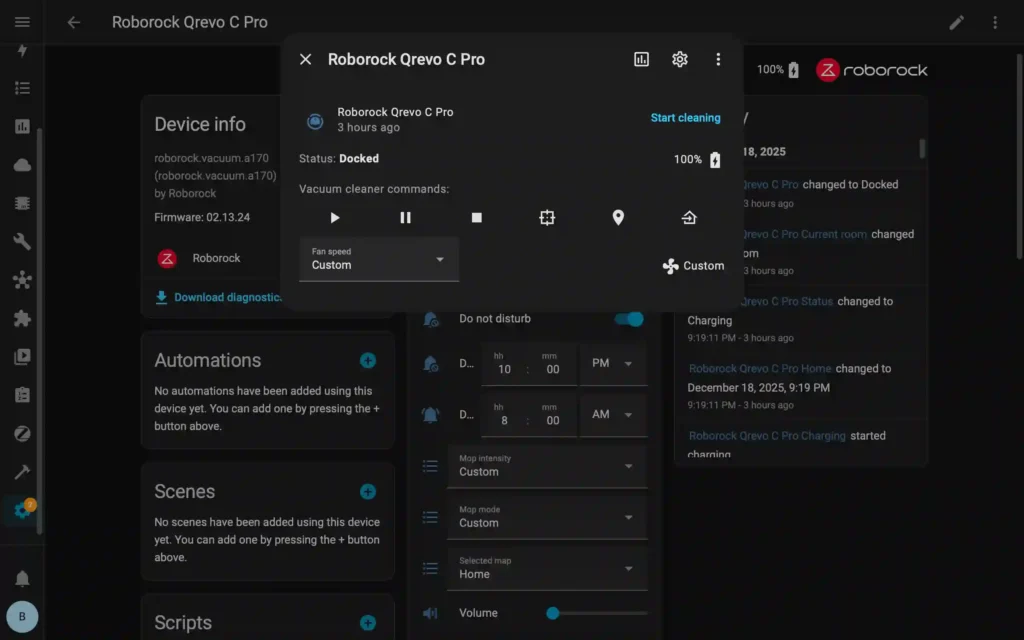
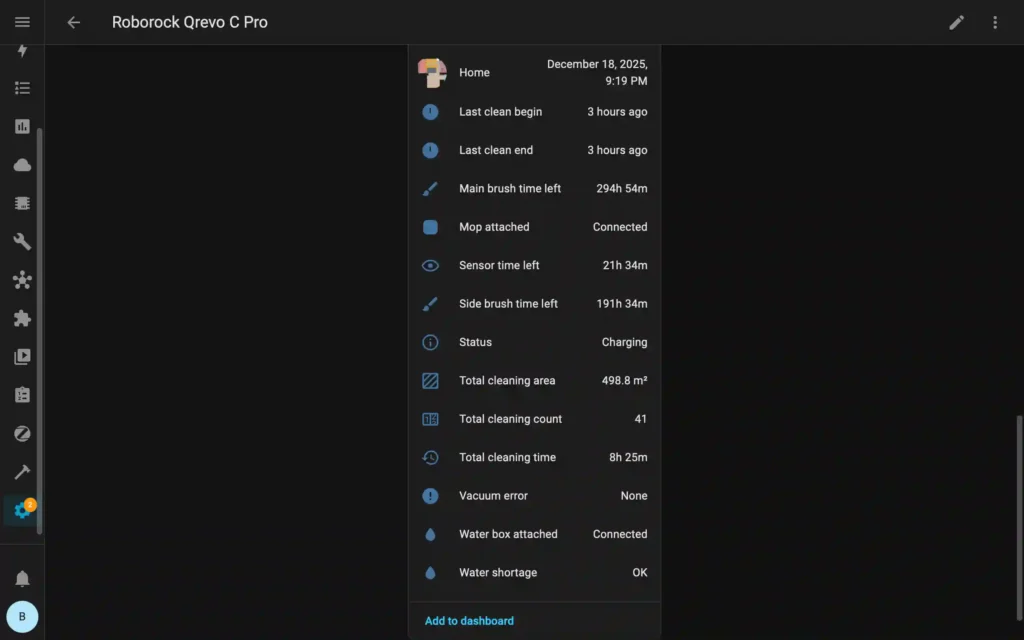
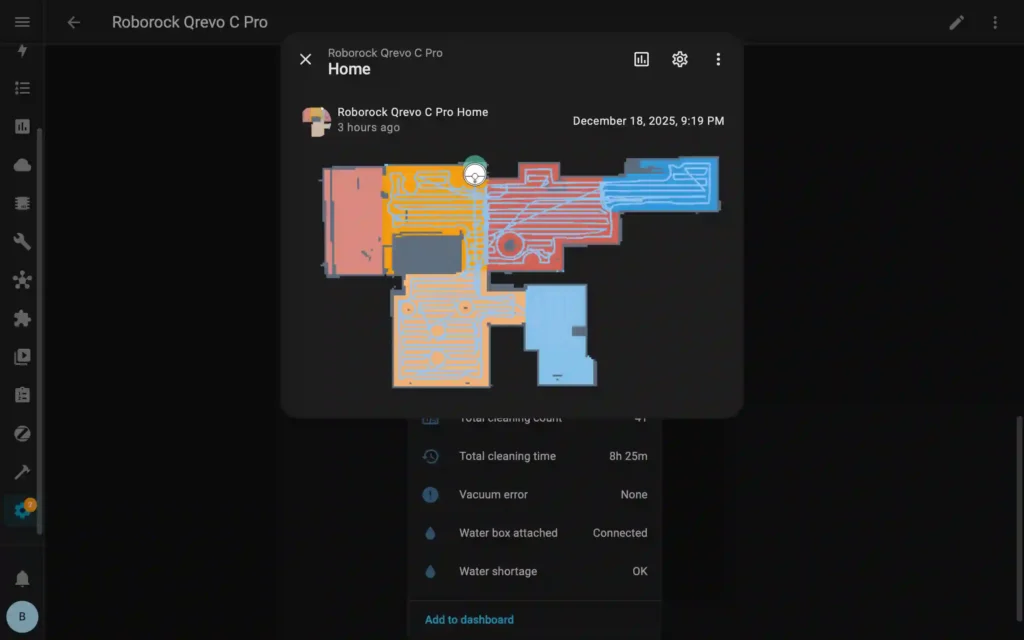
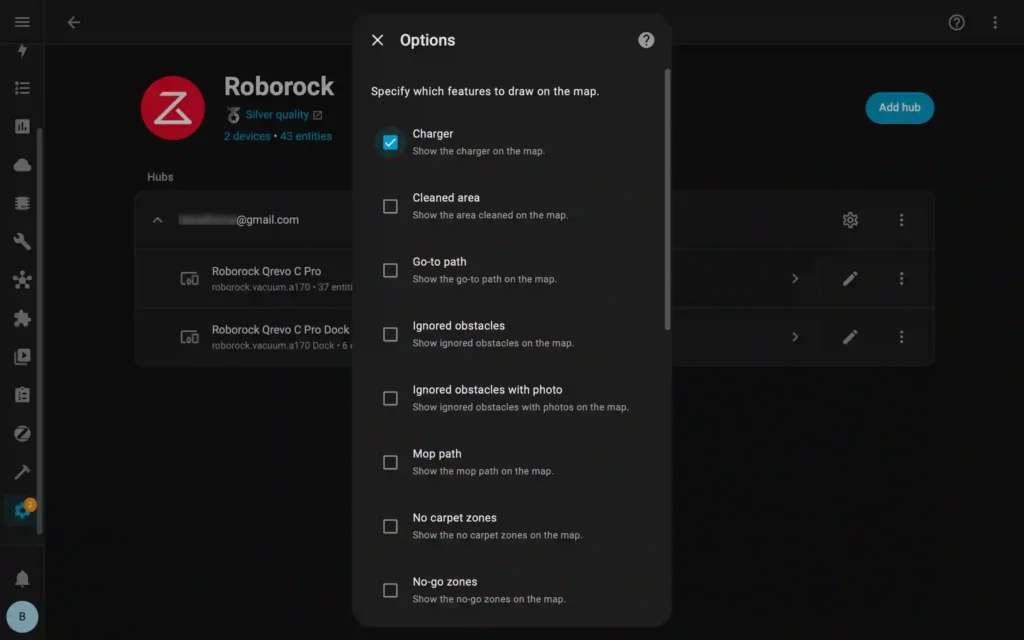
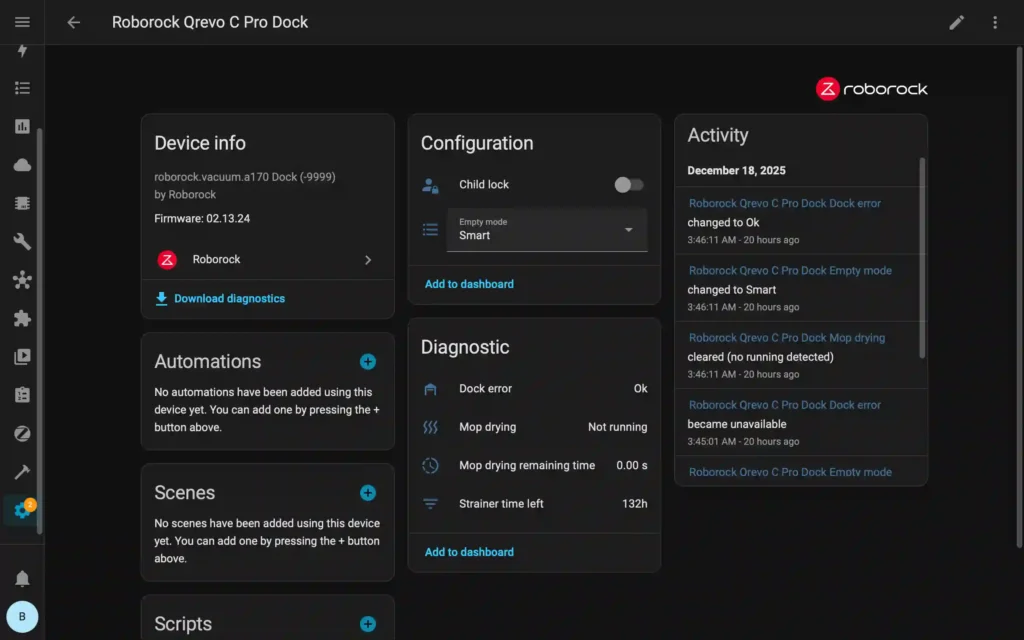
In addition to pairing the Qrevo C Pro using Matter, Home Assistant also has an official Roborock integration, which provides separate controls for the robot and docking station.


Fun Names for Your Robovac
With the robot paired with so many smart home ecosystems, I thought giving a different name on each platform would help with identification and a fun way to infuse personality and humor into my smart home. Why settle for the generic “Robot Vacuum” when you can call on “Taylor Sweep” or “Clean Eastwood” to start their shift?
Here are some mop-worthy options to inspire your own:
- Taylor Sweep
- Amazon Grime
- Pokemop
- Clean Eastwood
- KPop Debris Hunter
- Vackie Chan
- Moprah Winfrey
- Optimus Grime
- Dustbin Bieber
- Elon Dust
- Dustbusters

Features & Performance
On paper, the Roborock Qrevo C Pro promises a hands-off, hassle-free cleaning experience. But how does it perform in a real home? In this section, I’ll dive into the nitty-gritty (pun intended) of its key features and share my experience after putting the robot through daily use for several weeks.
Mapping and Navigation
Precise navigation is arguably the most critical feature of any robot vacuum. After all, raw suction power doesn’t mean much if the robot lacks spatial awareness to cover your home reliably without constant supervision.
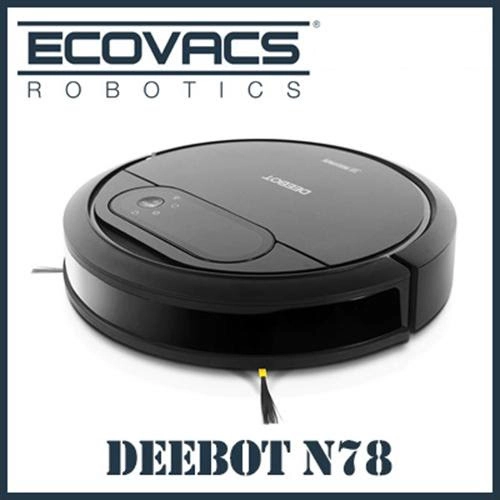
My first robot, the Ecovacs Deebot N78 back in 2018, taught me this lesson firsthand. It had random navigation patterns, no obstacle detection, and constantly bumped into furniture and walls. That, combined with a short battery life, meant constant babysitting to get through a cleaning cycle.
For mapping and navigation, the Qrevo C Pro relies on Roborock’s PreciSense® LiDAR technology, which performed impressively right out of the box. After a single Quick Mapping run, it successfully generated a layout of my entire home.


While the initial map wasn’t 100% perfect, it was easily refined with a few manual edits on the Roborock app. I was able to set No-Go Zones, Invisible Walls, and specify Surface type to help the robot master individual room layouts efficiently.

Watching the Qrevo C Pro work is surprisingly reassuring. It doesn’t just wander aimlessly; it plans. The robot consistently starts by cleaning the edges of a room first, then proceeds to “mow the lawn” in straight, methodical lines across the insides. It’s a predictable, high-coverage approach that leaves the floors well-maintained.

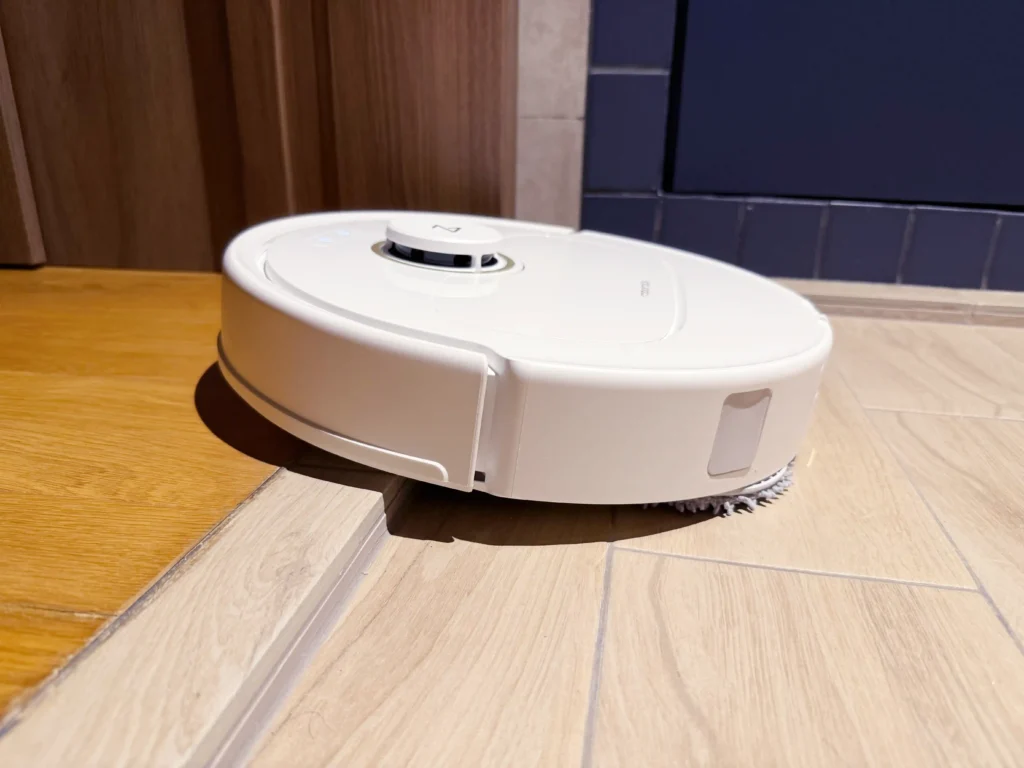
When it comes to navigating thresholds, the Qrevo C Pro has no trouble climbing over heights of around 20mm. While it occasionally struggles on the first try if approaching at certain angles, it always manages to clear the climb after one to two re-attempts.
Obstacle Avoidance
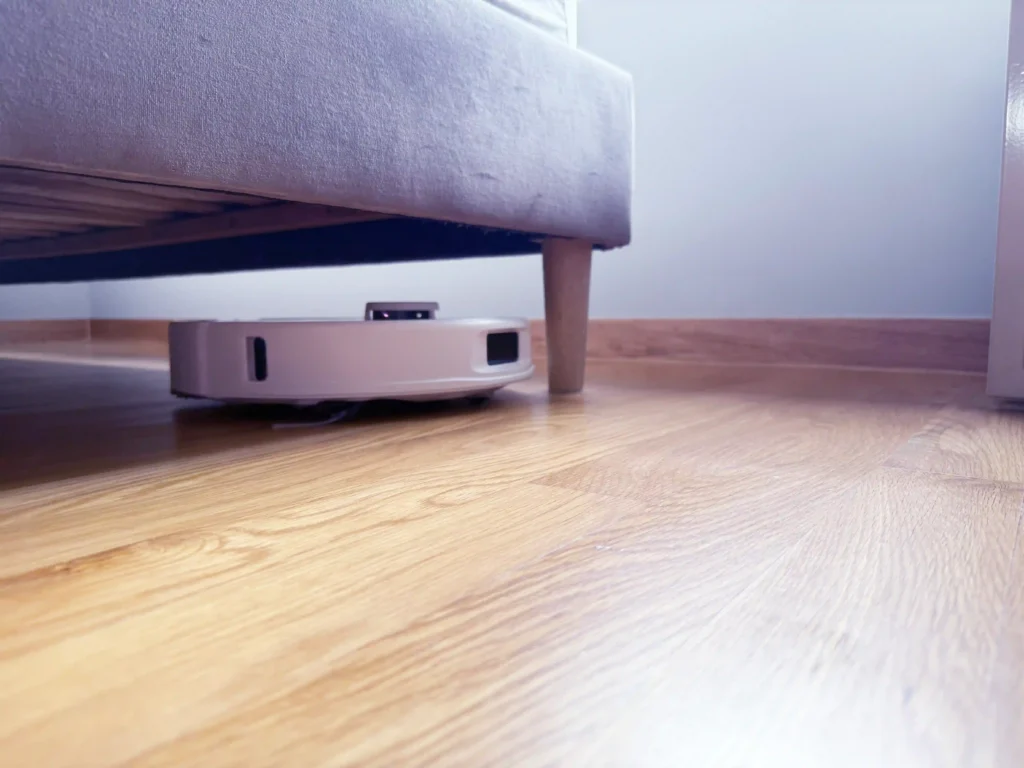
The Qrevo C Pro features Reactive Tech Obstacle Avoidance, which uses structured light to help the robot navigate through busy rooms. During my usage, the robot did an excellent job of identifying and steering around larger, vertical objects. It expertly navigates around the base of my bed frame legs and multiple chair legs, getting close enough to clean the surrounding area without bumping into the furniture.
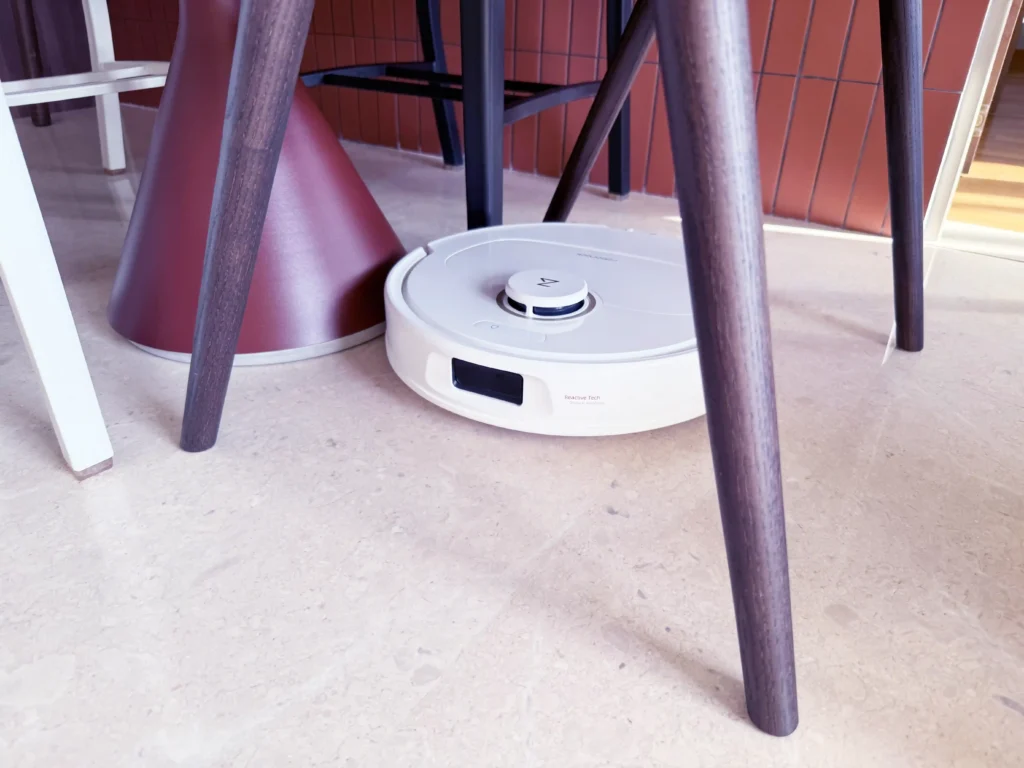
However, the technology has clear limitations when it comes to small-profile items. Because it lacks an AI-driven RGB camera, the robot struggles to detect small-profile objects lying flat on the ground, such as cables or thin charging cords. For the best experience, it’s best to do a quick “cable sweep” or set up No-Go Zones around permanent clusters of wires to avoid any tangles.
I also found that the Qrevo C Pro initially struggled with the legs of my coffee table. They were just slim enough to evade the Reactive Tech sensors at first. However, once the bumper made physical contact, the robot was able to “feel” its way around and adjusted its path to clean effectively.
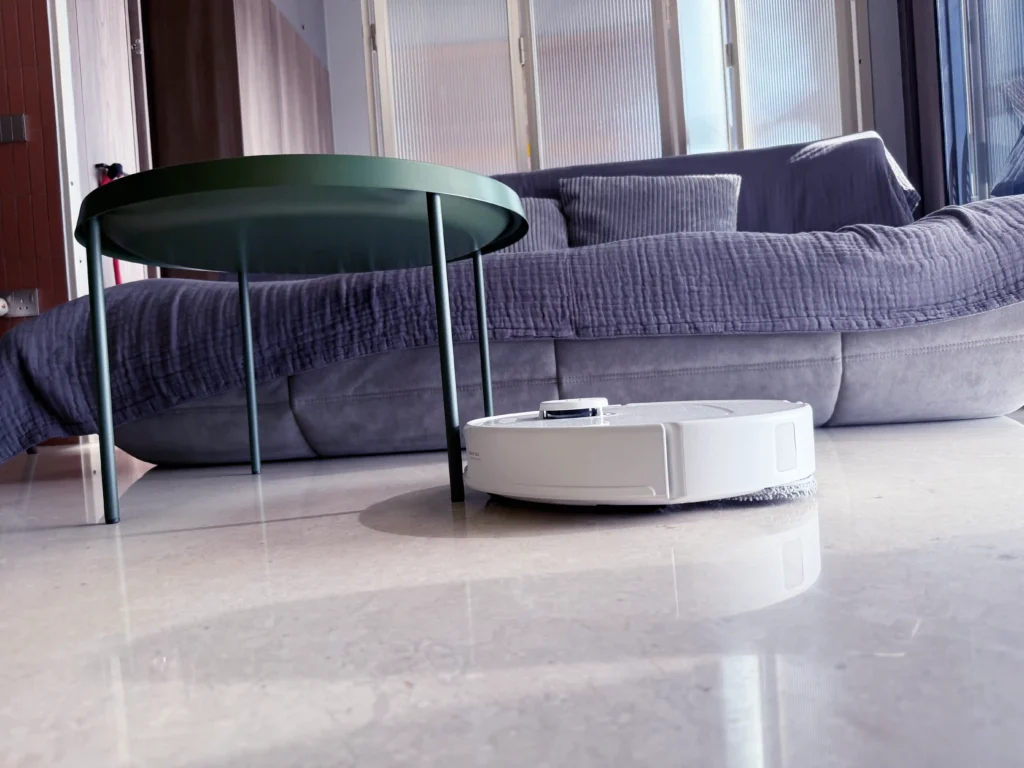
To test its navigation capabilities, I set up an obstacle course with various items to see how the robot would react.
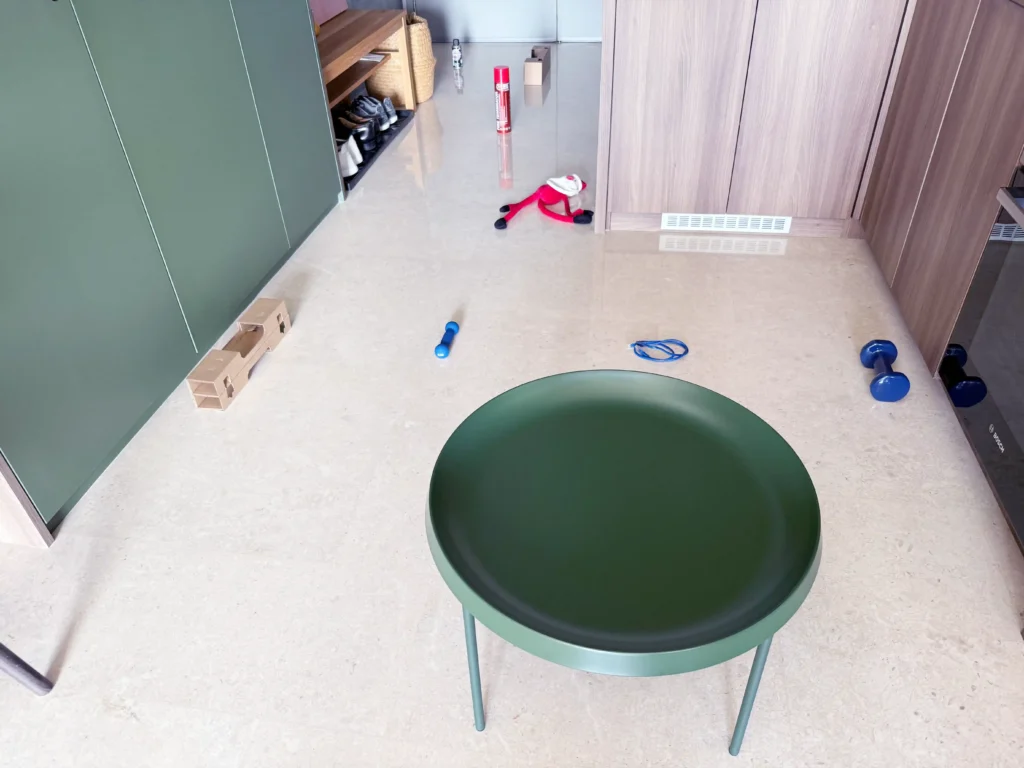
These are the results. The robot gets a “pass” if it managed to detect and navigate around an obstacle:
|
No |
Item |
Result |
Remarks |
|---|---|---|---|
|
1 |
Coffee table |
Pass |
Slim table legs detected by the robot’s retractable bumper |
|
2 |
Dumbbell (2 kg) |
Pass |
|
|
3 |
Ethernet cable |
Partial |
Unable to detect loose cables lying on the ground, but could sometimes detect coiled cables |
|
4 |
Dumbbell (0.5 kg) |
Pass |
|
|
5 |
Cardboard boxes |
Pass |
|
|
6 |
Santa soft toy |
Pass |
|
|
7 |
Large aerosol can |
Pass |
|
|
8 |
Small aerosol can |
Pass |
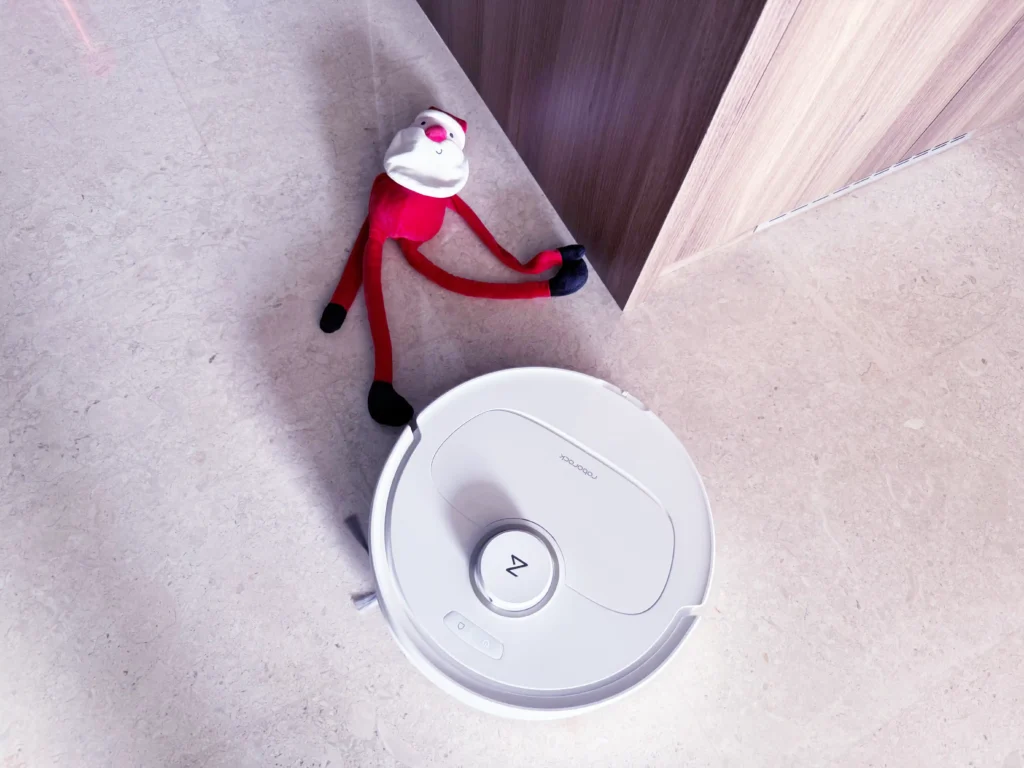
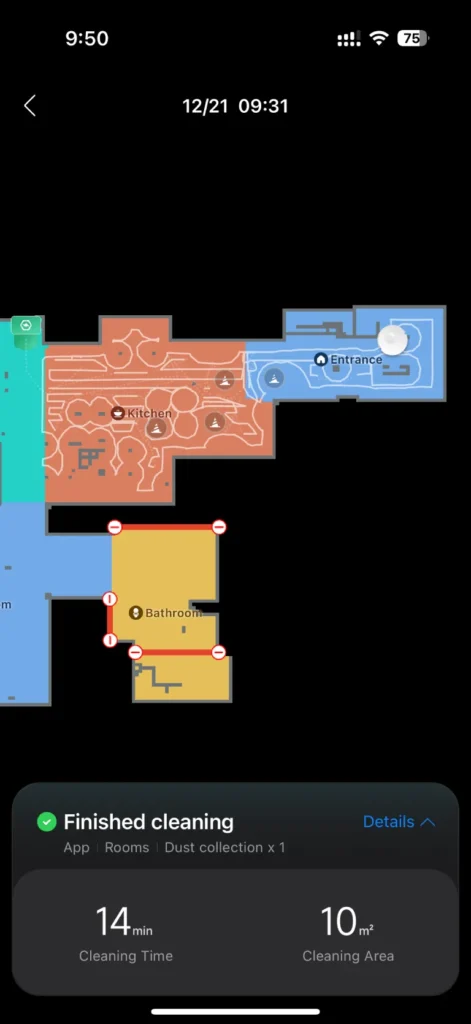
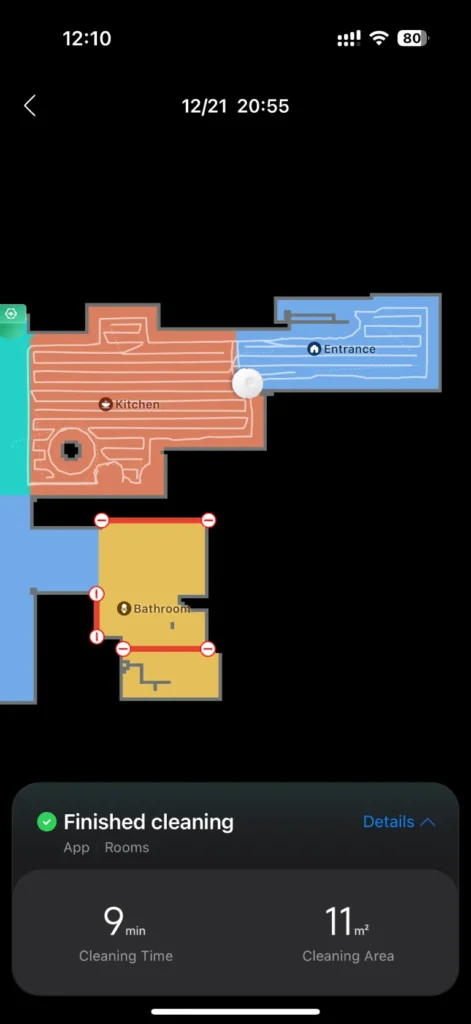
Cleaning runs were obviously more inefficient with obstacles lying on the floor, as you can see from the app screenshots below.
Vacuum
The Qrevo C Pro offers 18,500 Pa of suction power, which is sufficient for deep cleaning both hard floors and carpets. This is paired with the impressive DuoDivide™ Dual Brush System and an Anti-Tangle Side Brush; these work in tandem to channel long hair directly into the dustbin, virtually eliminating the need for manual removal of tangled hair from the rollers.
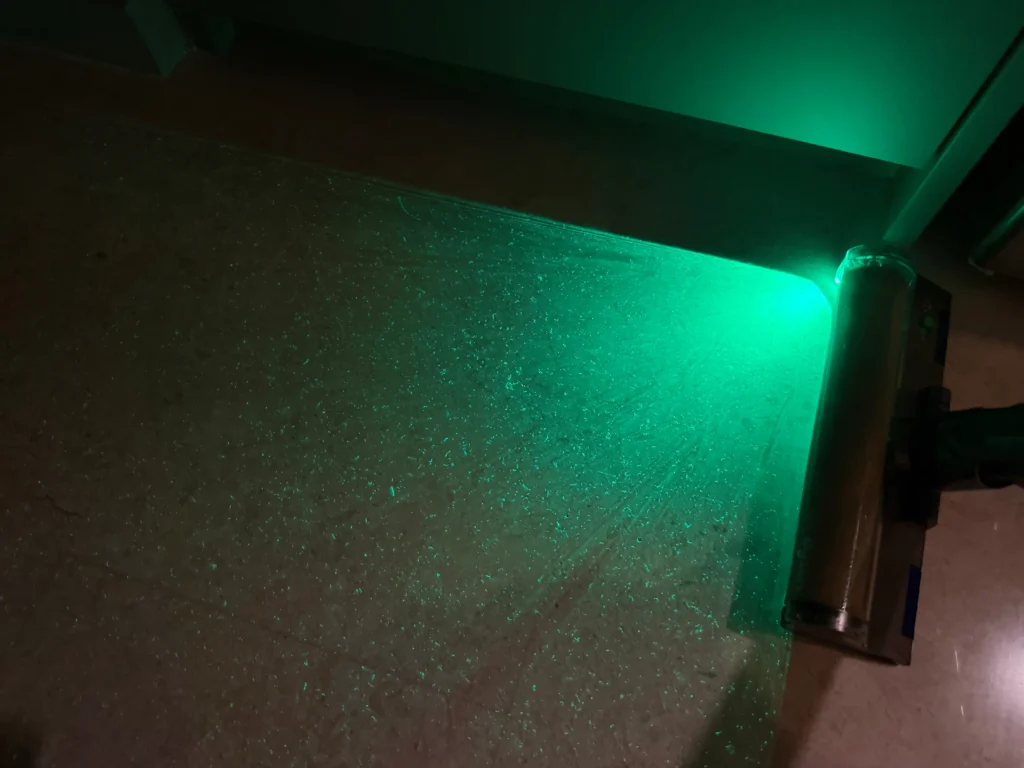
To validate how well the robot cleaned my home, I used the Dyson V12 Detect Slim Fluffy’s laser light beam to inspect the floors after a cleaning run. Have a look at the images below to compare the difference between visible dust particles before and after a single pass vacuum run on the default “balanced” suction mode.

Mopping
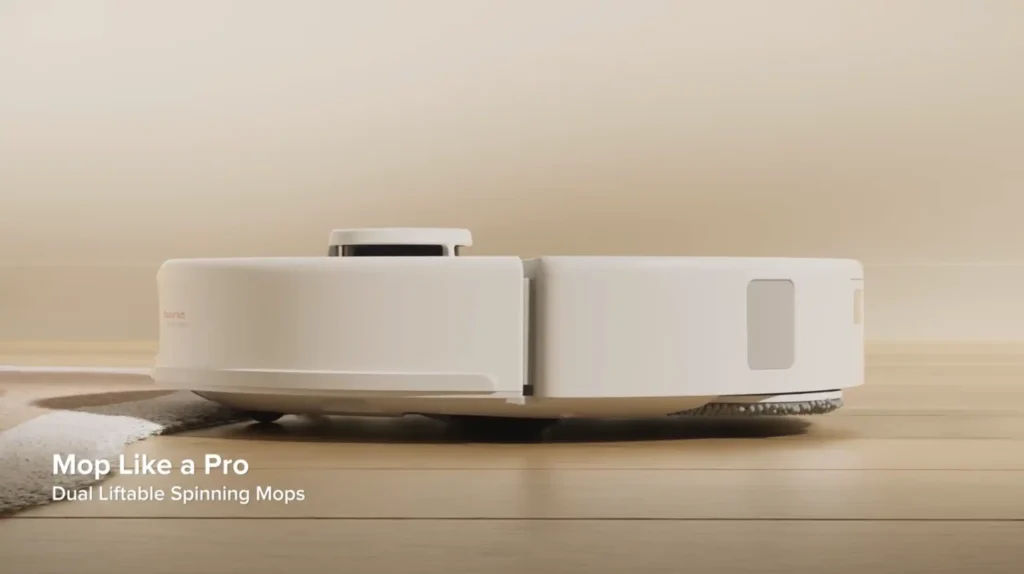
The Qrevo C Pro utilizes dual spinning mops that rotate at a maximum speed of 200 RPM, enabling the robot to lift dried-on spills and stubborn stains. For complete coverage, the FlexiArm right mop pad automatically extends when the robot detects a wall or corner. This allows it to clean within 1.85 mm of the edge, effectively eliminating the “uncleaned strip” typically found along baseboards.
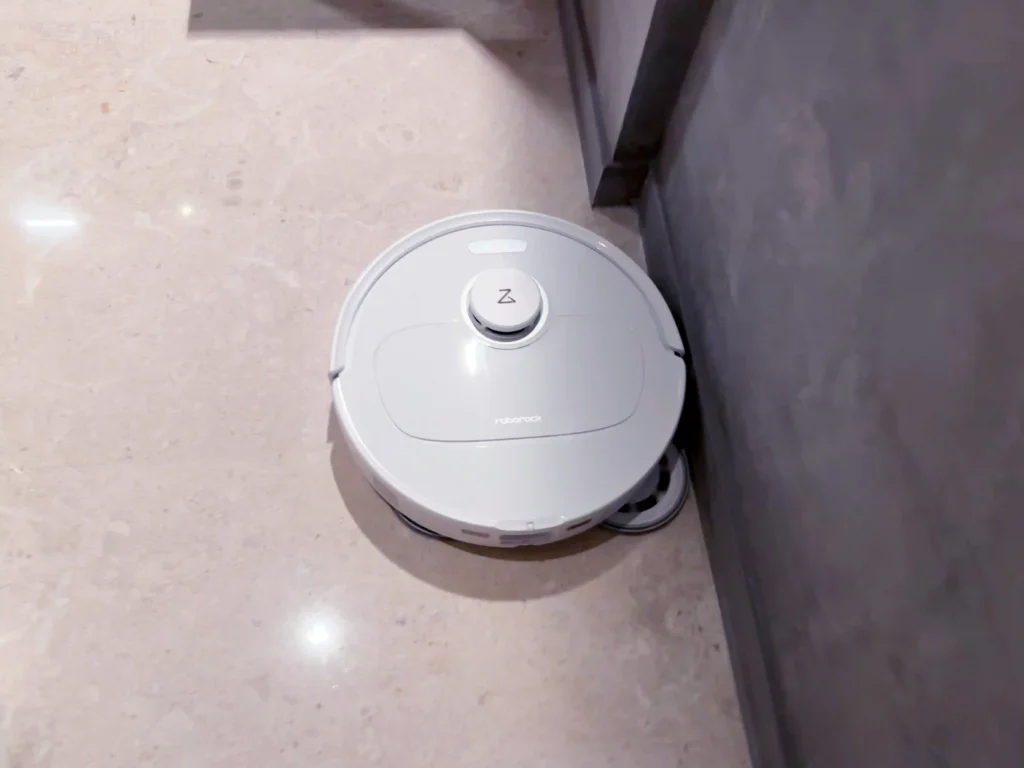
For homes with mixed flooring, the robot is designed to protect your textiles. When its sensors detect carpet, the robot automatically raises its mop pads by 10 mm. This clearance allows the Qrevo C Pro to transition from mopping on hard floors to vacuuming your rugs without cross-contamination or damp patches.
Multfunctional Self-Cleaning Dock
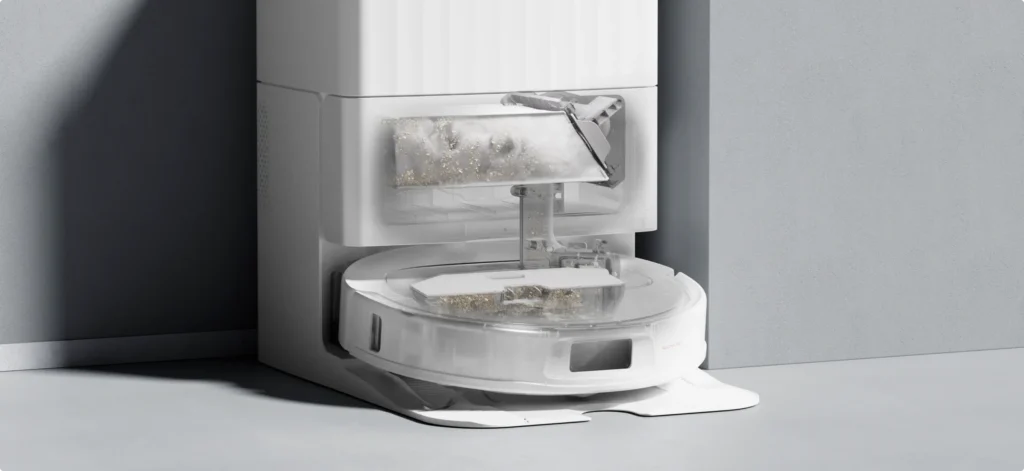
The multifunctional docking station does most of the maintenance heavy lifting. For vacuuming, it features Auto Dust Emptying that pulls debris into a 2.7 Liter disposable dust bag, which can store 7 to 9 weeks of dust before needing a replacement.
The mopping system relies on two large reservoirs: a 4 Liter Clean Water Tank and a 3.5 Liter Dirty Water Tank. During a cleaning run, the station automatically refills the robot’s internal tank to ensure consistent moisture. To clean the mop pads, the dock uses 75°C Hot Water Mop Washing to remove stains more effectively than cold-water rinsing.
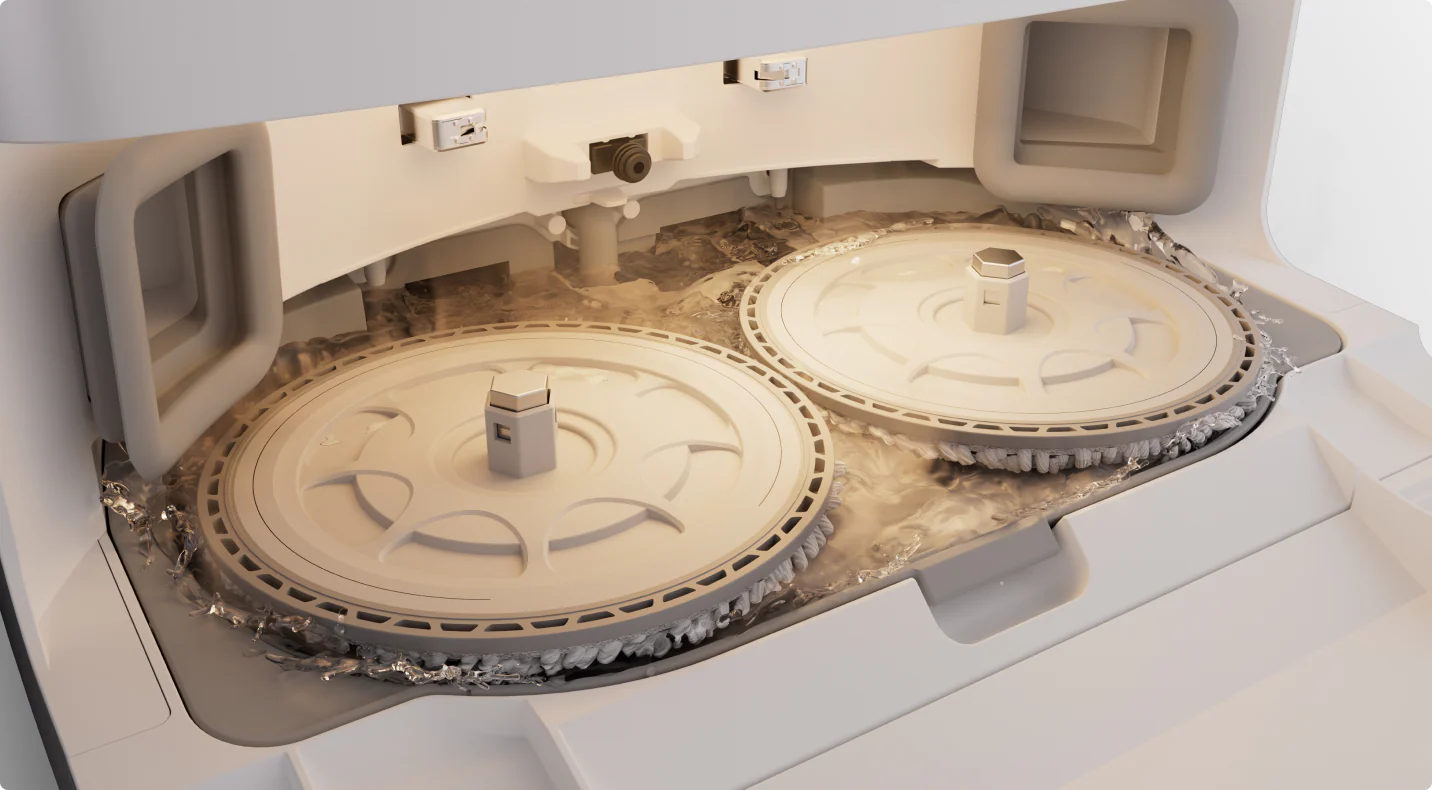
To prevent odors and mildew, it follows up with 45°C Warm Air Drying for the pads and the dock base.
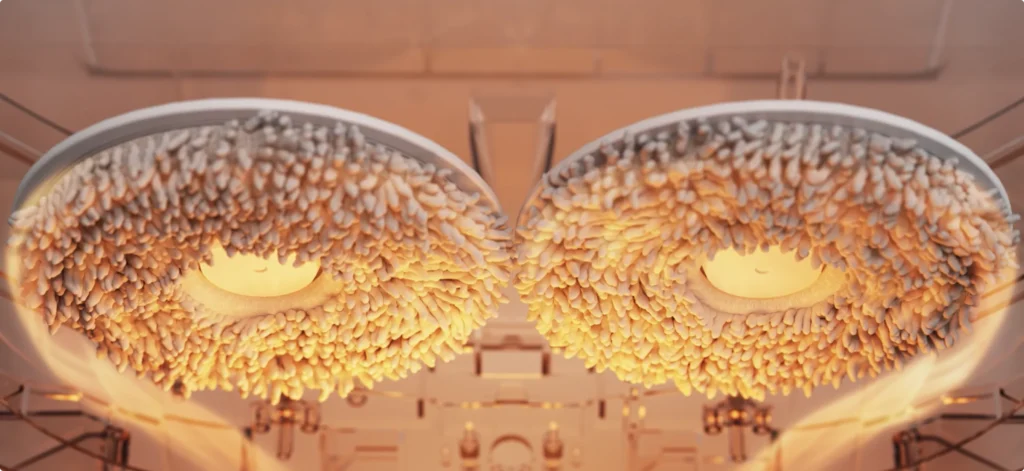
While there is no integrated detergent dispenser, you can add cleaning solution directly to the clean water tank. One useful feature is the fully detachable cleaning tray, which makes it easy to take the tray to the sink and rinse the dock base manually when needed.

Roborock App
One of my favorite features is the Roborock App’s extensive customization options. You can design personalized cleaning setups and save them as Custom Routines, which can be triggered with a single tap.
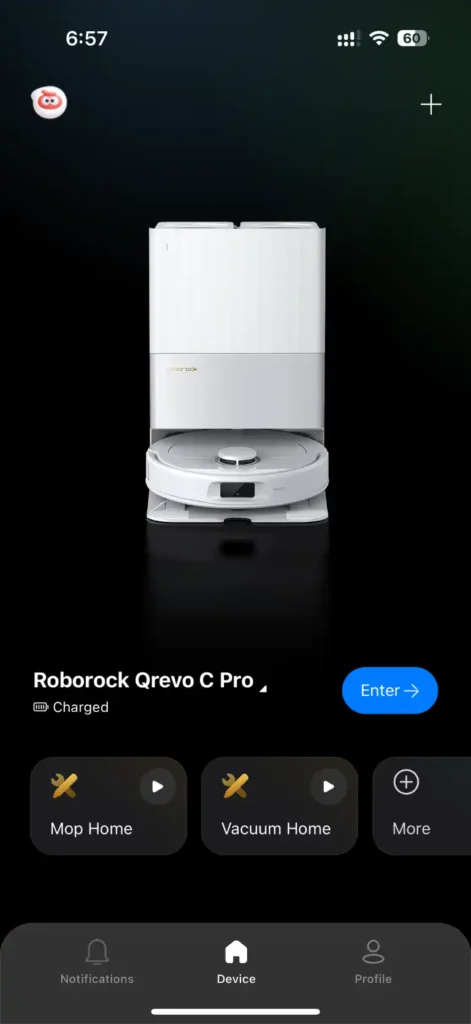
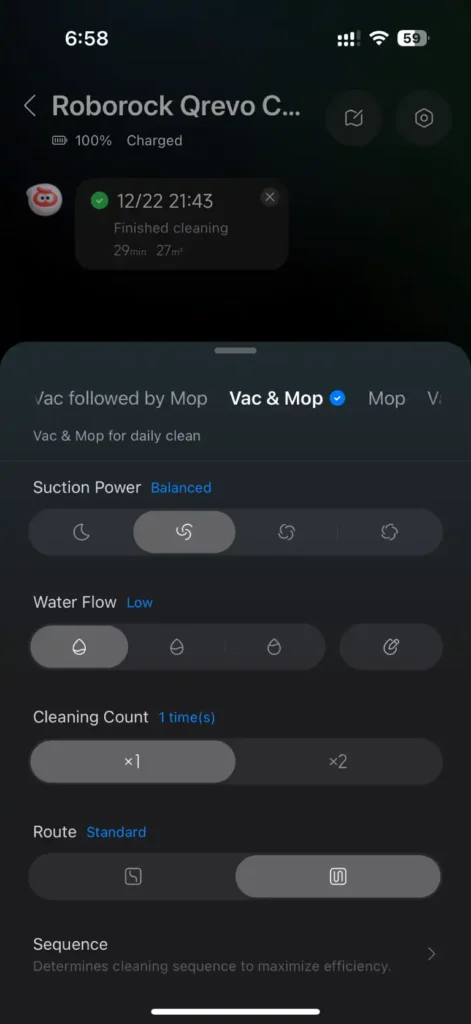
The app allows you to track cleaning history and maintenance.
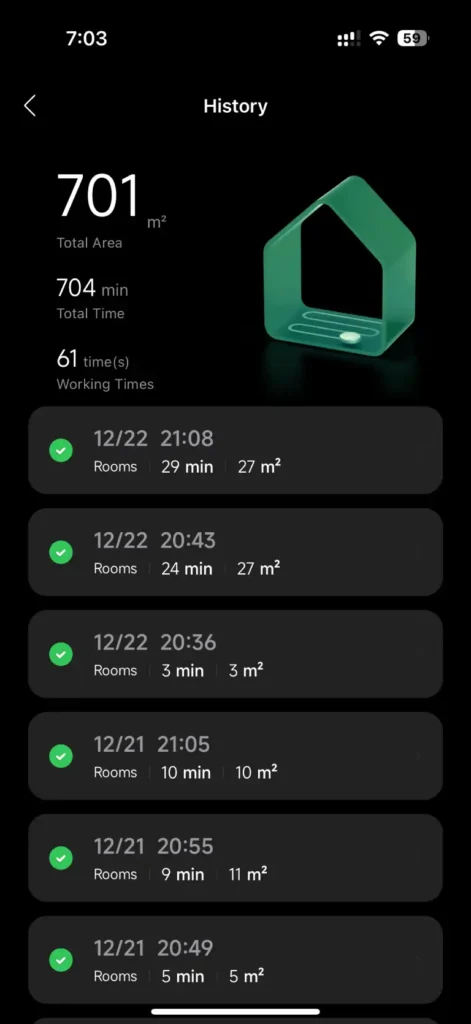

Carpet Cleaning, Floor Cleaning, Docking Station, Do Not Disturb, and other settings are also available on the app.
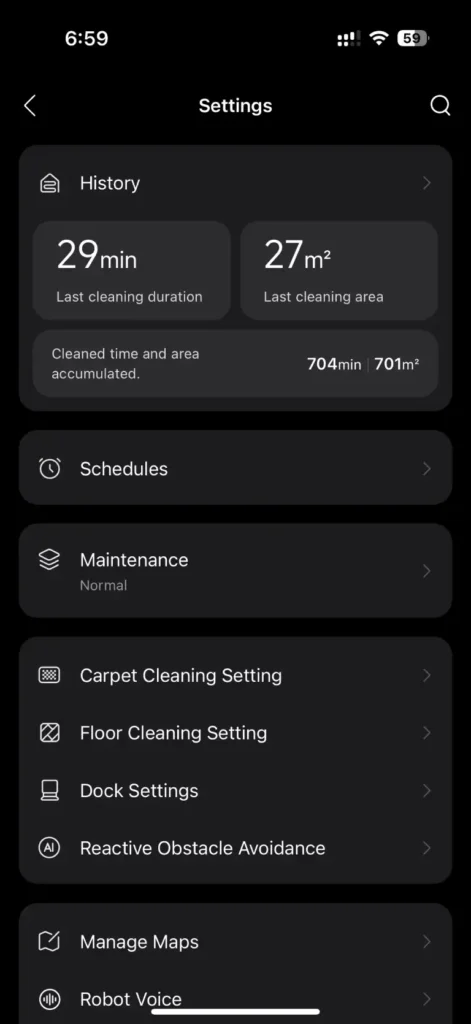
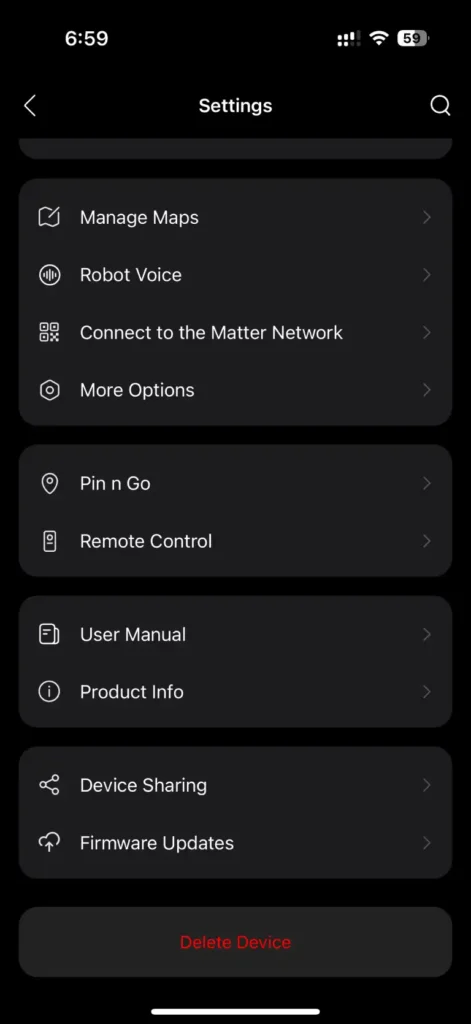
One of the more interesting features is Remote Control, where you can drive the robot around using a joystick or navigation buttons.

The Roborock App is available for both iOS and Android and, unsurprisingly, maintains high ratings on both the App Store and Google Play.
Pricing & Value
With a retail price of SGD 2,199.90, the Roborock Qrevo C Pro is not a cheap device. However, if there is one thing I learned from tracking the robot vacuum market, it is this: you absolutely should not pay the full retail price. These devices go on sale regularly, so patience and waiting for the next sale can save you a substantial amount of money.
That said, the Qrevo C Pro can still deliver significant value over time, even at its full price. Consider this: if you typically spend 3 hours cleaning the floors each week, that’s over 150 hours annually. Hiring cleaning help for the same amount of time would easily cost a few thousand dollars per year. A robot vacuum cleaner can effectively pay for itself in a year or so while reclaiming your precious time. Plus, your investment is backed by Roborock’s 2-year official warranty in Singapore.
Final Thoughts
After being on the “to robot or not to robot” fence for some time, I’m glad I finally took the plunge. The Roborock Qrevo C Pro has truly delivered on the “hands off” promise and there’s a lot to like here: precise mapping and navigation, a fully automated self-cleaning dock, a user-friendly and highly customizable app, and compatibility with a wide array of smart home platforms thanks to Matter support.
While it’s missing features found on flagship models, including the Roborock Saros 10R’s advanced obstacle avoidance (StarSight with RGB camera), AdaptiLift Chassis, and FlexiArm extendable side brush, it covers the essentials well for significantly less money. Whether you’re a first-time robot vacuum buyer or upgrading from an older model, this hits the sweet spot between capability and value, particularly if you catch it on sale. Now, if you’ll excuse me, I need to send “Taylor Sweep” out for another cleaning run.


Leave a Reply